
How to Set Up Your House for Airbnb: Costs, Compliance, and Room-by-Room Essentials
Contents
Table of Contents
A rentable home isn't just furnished, it's compliant, insurable, cleanable, and supportable. Most hosts who struggle in year one skipped at least one of those four.
Local STR legality: Permit requirements, night caps, and owner-occupancy rules vary city by city. City-specific rules change frequently, so check your municipality's short-term rental ordinance directly.
Lease or HOA permission: A single clause prohibiting subletting can end your listing before the first guest books.
Short-term rental insurance: Standard homeowner policies don't cover commercial guest activity. Expect $800–$1,500/year for a dedicated STR policy.
Utilities and internet: Budget separately for guest-level usage, not your personal baseline.
Smart access: A keypad or smart lock eliminates the single biggest source of 1-star check-in reviews.
Startup costs for a single-unit setup typically run $2,000–$5,000 before the first booking, once you account for linens, supplies, photography, and the insurance gap.
How to AirBnB My House as a Real Business
One property still needs the same operational structure as ten. A separate business bank account, a dedicated bookkeeping category for each expense type (cleaning, supplies, platform fees, maintenance), and a written house manual aren't optional extras, they're what separates a landlord from an operator.
Set these up before your first booking, not after your first problem.
Your vendor list should cover at minimum: a primary cleaner, a backup cleaner, a handyman, and a locksmith. Document their rates and response-time commitments in writing.
Messaging standards matter too, Airbnb guests expect a reply within one hour; Booking.com's platform score penalizes response times over two hours.
Startup Cost Ranges by Property Type
Property Type | Setup Cost Range | Primary Cost Drivers |
|---|---|---|
Studio / 1-bed | $1,500 – $3,500 | Linens, small appliances, photography |
2–3 bed home | $3,500 – $7,000 | Furniture gaps, outdoor gear, smart locks |
4+ bed / luxury | $7,000 – $18,000+ | Premium linens, staging, multiple access points |
Revenue Math Before You Buy Anything
Run this before spending a dollar on setup: $150 ADR × 22 booked nights = $3,300 gross. Subtract Airbnb's 3% host fee ($99), cleaning labor ($440 at $20/turnover × 22 stays), supplies ($110), utilities ($200), and a 5% reserve ($165).
Net: roughly $2,286. That's a 69% net margin assumption, realistic for a well-run mid-tier listing, tight for a luxury one.
Match your setup spend to your ADR, not your personal taste. A $150/night property doesn't need $400 sheets. It needs consistent $60-per-turnover cleaning and zero broken amenities.
Room Setup That Drives Reviews and Fewer Guest Messages
Hosts who average 4.8 stars or higher share one pattern: their setup eliminates the questions guests would otherwise send at 11 p.m. Every room decision either generates a message or prevents one.
Work through the property room by room before your first booking.
Entry: Labeled key box or smart lock with a backup code, light switch labels on every panel, a printed one-page house guide on the entry table.
Bedroom: A quality mattress (aim for medium-firm, pocket-spring or hybrid) makes or breaks a review. Add blackout curtains, a USB-C charging point on each nightstand, and spare pillowcases in the closet.
Bathroom: Stock duplicate consumables, two backup rolls of toilet paper per bathroom, a spare soap bar, and a hair dryer with a visible hook. Guests notice empty dispensers immediately.
Kitchen: Your listed occupancy isn't just about beds; it dictates the entire kitchen setup. If your listing sleeps four people, it absolutely needs four of everything, mugs, plates, wine glasses, and matching sets of cutlery.
Living area: Power strip with surge protection behind the TV, remotes labeled with masking tape, streaming accounts pre-logged in.
Workspace: A dedicated surface with a lamp and at least one accessible outlet. Even a small desk chair matters for guests on work trips.
Outdoor space: If listed, provide seating for your full guest count and a clearly marked bin for recycling.
Room | Required | Nice to Have |
|---|---|---|
Bedroom | Blackout curtains, charging points, spare linens | White noise machine, luggage rack |
Bathroom | Duplicate consumables, hair |
Safety, Protection, and Risk Controls
Standard homeowner policies exclude short-term rental activity, get STR-specific coverage from providers like Proper Insurance or CBIZ before your first booking. Airbnb's AirCover for Hosts is a secondary resource with exclusions, not a replacement for a standalone policy.
Physical Safety Requirements
Smoke detectors on every level and inside every bedroom, test and log monthly.
CO detectors within 10 feet of each sleeping area, required by law in 47 states.
Smart locks with unique codes per guest, rotate automatically after each checkout.
Exterior cameras at entry points only; disclose them explicitly in your listing and house manual.
Noise monitoring devices (like Minut) in common areas, never in bedrooms.
When You Host, You're Protected Only If Your Setup is Documented
Platform protection does not pay out on undocumented claims. Before every guest arrives, photograph every room and log high-value items in a timestamped pre-arrival record stored in a shared folder formatted for your insurer's claims process.
Without documentation, disputes default against the host roughly 60% of the time based on Airbnb's published resolution data.
Guest Screening, Identity, and House Rules
Weak house rules cost hosts more than bad reviews, they create disputes, chargebacks, and property damage that take weeks to resolve.
The three most common gaps: no minimum age enforcement, occupancy limits that don't match the listing's sleeping capacity, and deposit policies that vary by channel without any documented reason.
Platform defaults won't protect you. Airbnb lets you require government ID verification, but that check confirms identity, it doesn't confirm the guest is 25 or that they've agreed to your quiet hours.
Vrbo's damage protection product and Booking.com's deposit settings each work differently, so a policy you've set on one channel may not exist on another unless you've configured it explicitly.
Guest Identity Verification
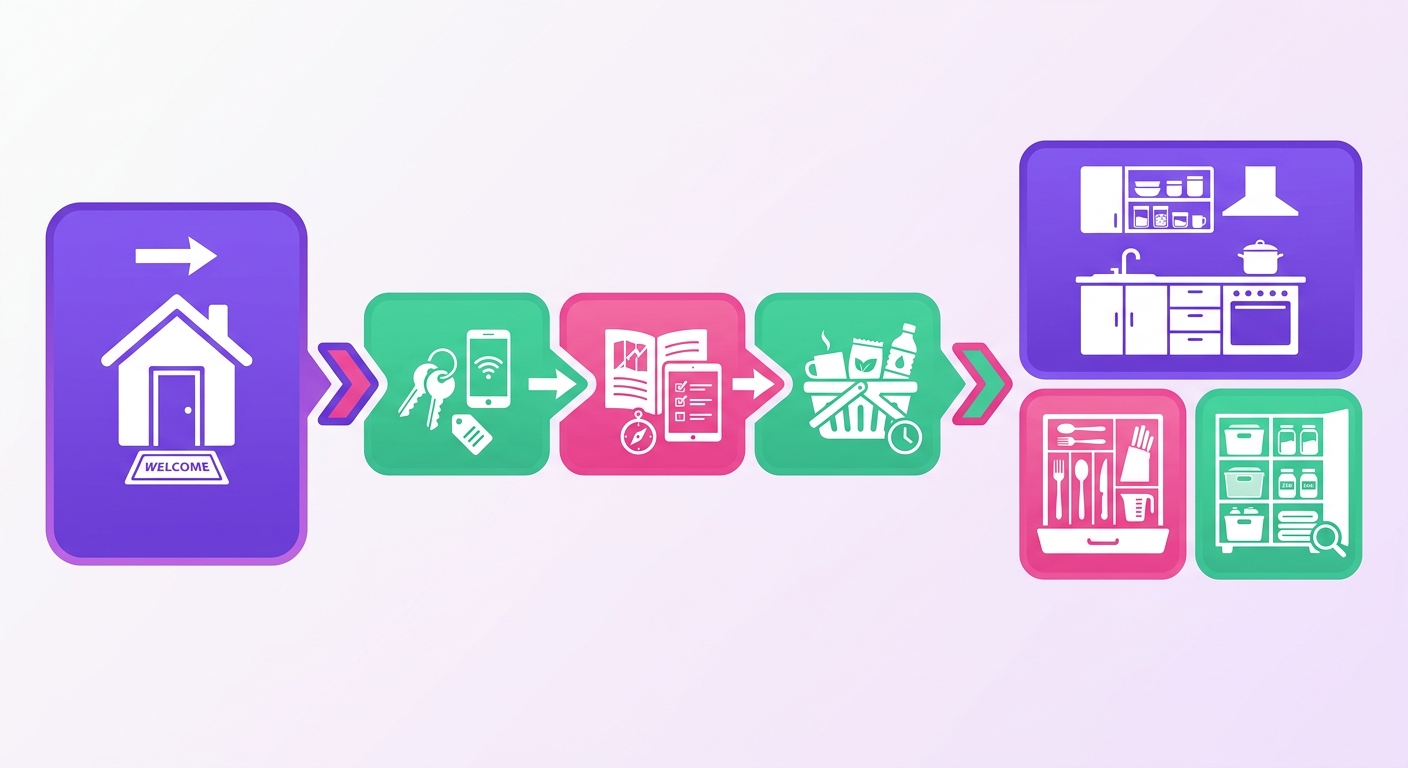
Platform verification covers identity. It does not cover agreement to your specific house rules.
For stays over 3 nights or properties with pools, parking, or pets, a signed rental agreement sent outside the platform adds a layer of enforceability that a booking confirmation alone won't provide.
Profiles and Reviews
A guest with zero reviews and a profile created within the last 30 days isn't automatically a problem, but it's a signal that warrants a direct message before you accept.
Ask a simple operational question: arrival time, number of guests, reason for stay. How they respond tells you more than the profile itself.
Your first 10 stays also shape your listing's review baseline, so accepting thin-profile bookings early carries more risk than it does once you have 40+ reviews buffering the occasional poor outcome.
Listings, Photos, and Channel Setup
Mismatched listing data costs you bookings. A guest who sees "2 bedrooms" on Airbnb but finds the Vrbo listing shows "sleeps 6 in 3 rooms" will either abandon the booking or arrive confused, and confused guests leave lower reviews.
The fix isn't complicated, but most hosts skip it.
Every listing field that affects a guest's purchase decision needs to be identical across every channel you're on. That means bed count, occupancy cap, parking availability, pet policy checkout time, and fee structure.
Even a one-word difference in your pet policy between Airbnb and Booking.com can generate a dispute you'll lose.
How to Start an Airbnb in Your Home Without Creating Listing Mismatches
When you list your home across multiple platforms, treat your channel data sheet as the master record, not any single platform's backend. Build your listing fields once, then copy them exactly. The table below shows the fields that must match precisely.
Listing Field | Why It Must Match |
|---|---|
Occupancy (max guests) | Mismatches trigger policy violations and guest complaints |
Bed count and configuration | Guests filter by beds; inconsistency drops search visibility |
Parking (count and type) | A missing parking detail is the #1 source of arrival-day messages |
Pet policy | Contradictory policies create unenforceable disputes |
Checkout time and rules | Inconsistency causes overlap with turnover windows |
Cancellation policy tier | Stricter policy on one channel suppresses conversion on that channel |
Photos are where conversion breaks down most visibly.
If your Airbnb cover photo shows a king bed but your amenities list says "queen," guests notice, and your conversion rate drops by an estimated 12-18% on that listing according to Operations After the First Booking Your first confirmed reservation is not the finish line, it's when the actual operational system starts getting tested.
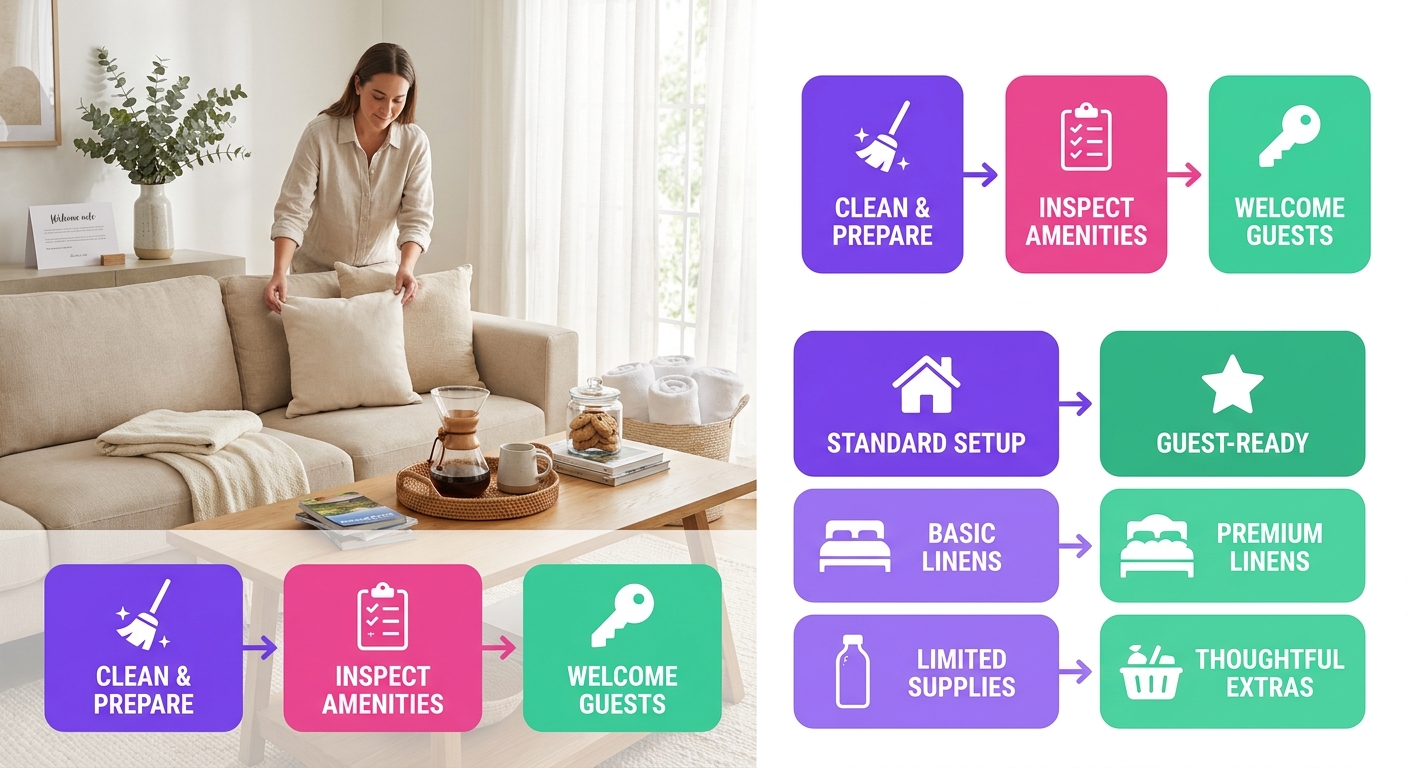
Most hosts scramble through the first few turnovers before settling into a repeatable process. Build the system before that first checkout, not after. The core turnover loop has five moving parts:
Cleaning handoff: Send your cleaner a checkout time and check-in time the moment a booking confirms. Don't wait until the day before.
Post-clean inspection: A quick walkthrough catches missing toiletries, damage, and setup errors before the next guest arrives. If you want a structured checklist for this, use a dedicated property inspection template rather than rebuilding one from scratch.
Supply restocking: Track consumables by unit. A standard two-bedroom listing burns through roughly one roll of paper towels, two soap refills, and one set of coffee pods per two-night stay, adjust your par levels to match your actual booking pace.
Maintenance triage: Log every issue, even minor ones. A dripping faucet reported in June and ignored costs more in a bad review than in a plumber's bill.
Message templates and review requests: Automate your check-in instructions, mid-stay check-in at hour 24, and post-checkout review request. Hosts who send a review request within 2 hours of checkout get responses at roughly 2x the rate of those who wait 24 hours.
A Co-host Can Help You Get Started
A co-host makes operational sense in three specific situations: your property is more than 30 minutes away, your day-job response time regularly exceeds Airbnb's 1-hour message window, or you're running same-day back-to-back turns that require someone physically on-site to coordinate.
Outside those situations, a co-host adds a fee (typically 10–20% of revenue) without solving a real bottlen
The First 90 Days Benchmark
Getting your listing live is not the finish line. The first 90 days tell you whether your setup is working or whether guests are quietly absorbing problems you haven't fixed yet.
Use these six numbers as your scorecard:
Metric | Target | Setup Problem Signal |
|---|---|---|
Occupancy rate | 60–75% by day 60 | Below 40% after week 6 |
ADR vs. comp set | Within 10% of comparable listings | More than 15% below comps |
Review count | 5+ reviews by day 60 | Fewer than 3 reviews by day 90 |
Average rating | 4.8 or higher | Any category below 4.6 |
Message response time | Under 1 hour | Consistently over 3 hours |
Turnover defect rate | Under 5% of stays | Any missed clean or restocking complaint |
A low occupancy rate paired with strong reviews points to a pricing problem. Low ratings alongside slow bookings point to a setup problem something in the physical space, the listing photos, or the guest experience that guests are penalizing you for.
Guest issue rate matters more than most new hosts expect. One maintenance complaint per 20 stays is a warning. One per 10 stays means you have a repeating operational gap that better turnover checklists or a property inspection would catch before check-in.
Your Questions, Answered
The questions below cover the specifics that don't fit neatly into setup checklists: edge cases, compliance gaps, and the decisions that trip up hosts once they're already running. Because knowing how to prepare your home as an Airbnb rental is only the start, keeping it performing is the real work.
Setup success isn't measured by going live. It's measured by fewer