
How to List on Airbnb: A Step-by-Step Guide to Setting Up Your Property
Contents
Table of Contents
Most first-stay cancellations trace back to one of six gaps: no legal clearance, no reliable access handoff, no cleaning coverage, a turnover window that's too tight, slow Wi-Fi, or a payout account that isn't verified. Fix those before you touch the listing form.
Understanding how to list a room on Airbnb properly means addressing every one of these gaps before you publish, not after your first guest checks in.
City-specific permit requirements vary too much to cover here, check your municipality's STR ordinance directly, then confirm you can legally host before anything else. One bad compliance call can pull a listing offline mid-booking.
Minimum Launch Checklist for a Liveable, Bookable Unit
Beds and linens: every sleeping surface needs a mattress protector, two sets of sheets, and at least one spare set in-unit for same-day turnovers
Hot water: test it, a cold shower on night one generates a 1-star review almost automatically
Access: smart lock or lockbox confirmed working; backup code documented
Safety hardware: smoke alarm and CO detector on every floor, tested within 30 days
Wi-Fi speed: run a speed test from the guest bedroom, 50 Mbps minimum 100 Mbps if you're targeting remote workers
Turnover buffer: block at least 2 hours between checkout and next check-in for same-day turns; 3 hours if cleaning is outsourced
Photo condition: every surface clean, every light working, no visible clutter
Compliance and Payout Setup
Airbnb requires ID verification before your listing goes live. Have a government-issued ID ready. For payout, choose bank transfer over PayPal, settlement is faster and avoids currency conversion fees on international payouts.
Hosts who research how to list a room on Airbnb often overlook payout setup until the last step, completing it early prevents delays on your first booking payment.
Decide upfront whether you're hosting as an individual or a business entity.
An LLC changes how Airbnb reports your earnings, and knowing how to list a room on Airbnb under a business account requires additional tax documentation that's worth gathering before you reach the final submission step.
How Airbnb Listing Setup Actually Works
Airbnb's own host homes page covers the broad strokes but skips the operational details that determine whether your listing launches cleanly or sits in limbo. Here's the sequence that matters.
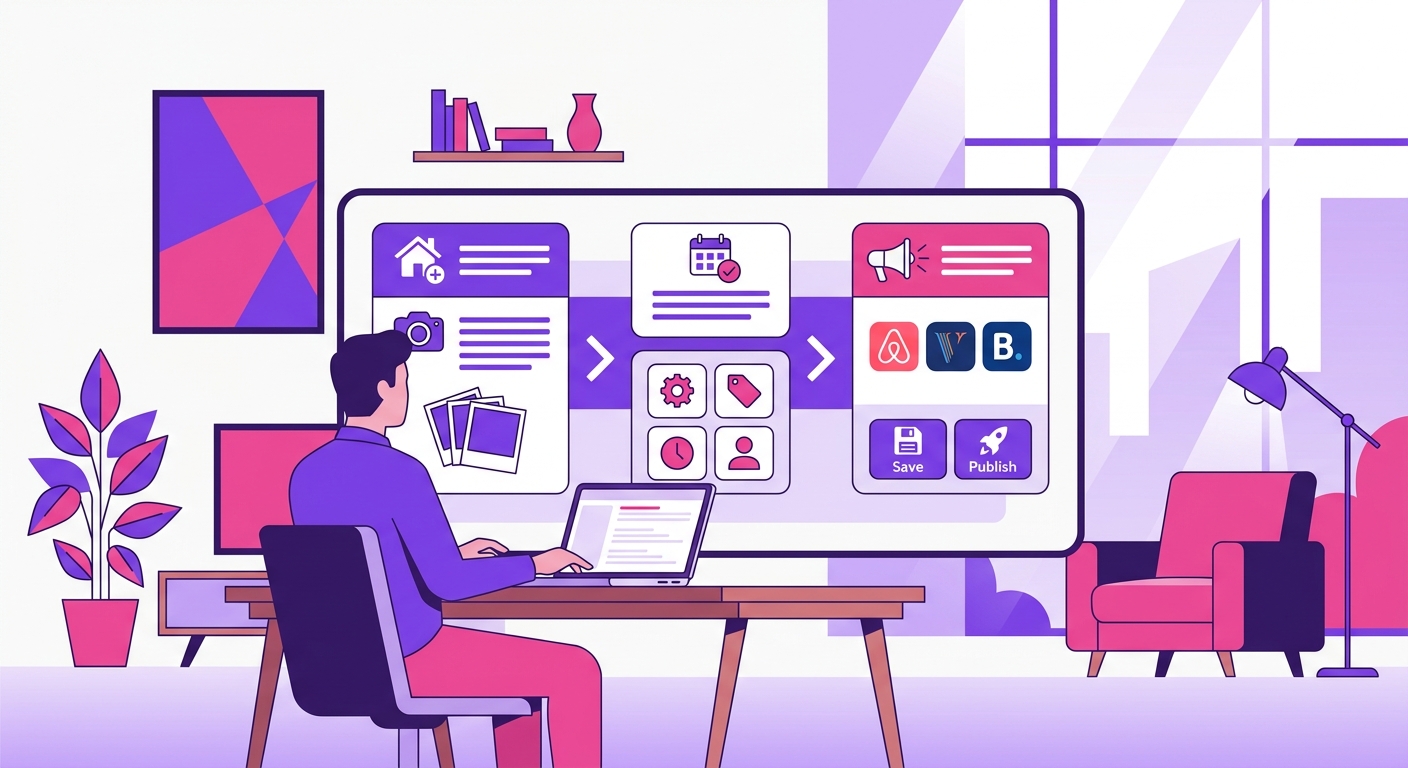
Once you're in host mode, the setup flow moves through these stages in order:
Property type and room type entire place, private room, or shared space
Guest capacity total guests, beds, bedrooms, bathrooms
Map pin placement Airbnb shows an approximate location publicly; the exact address goes to confirmed guests only
Amenities checklist kitchen, Wi-Fi, parking, washer/dryer; these filter search results directly
Photos minimum 5 required, but listings with 20+ photos convert at higher rates
Base pricing Smart Pricing is on by default; turn it off before you publish if you're setting your own rates
Whole Home, Private Room, or Shared Space
Room type changes every downstream metric. A private room runs around $65 ADR with 80–85% occupancy and lower cleaning complexity. A standalone one-bedroom runs closer to $150 ADR, drops to 65–75% occupancy, and carries a $45–$60 cleaning fee guests scrutinize closely.
That ADR gap is real, but so is the operational difference: shared-space hosting means you're present for turnovers and guest interactions in a way whole-home hosting doesn't require.
The exception: in dense urban markets, private rooms sometimes outperform whole units on revenue per square foot because nightly rates compress less than ADR suggests.
The Fields That Affect Search Visibility First
Airbnb's algorithm weights three fields heavily in the first 30 days of a new listing:
Instant Book enabled listings without it filter out of a large share of searches by default
Calendar openness at least 90 days of availability open at launch
Cancellation policy Flexible or Moderate outperforms Strict in early search placement
How to Set up an Airbnb Property for First Bookings
Most setup guides spend 80% of their advice on throw pillows and gallery walls. Refund requests and 3-star reviews that kill new listings almost always trace back to four things: bad sleep, broken entry, low water pressure, and running out of toilet paper at 11pm.
Guest-Ready Standards That Matter More Than Decor
A $400 mattress topper does more for your cleanliness score than a $600 rug. Mattress quality is the single highest-ROI physical investment for a new listing guests mention it by name in reviews far more than any decor element. Pair it with true blackout coverage and you've addressed the two most common sleep complaints before your first checkout.
Minimum 2 pillows per person, per bed, 4 pillows on a queen is the floor, not the ceiling
3 towels per guest for a 2-3 night stay: bath, hand, and face cloth
Keypad or smart lock on every entry point; mechanical backup codes documented inside the owner closet
Turnover Design for One Cleaner and One Hour of Prep
White linens aren't a style choice, they're an operations choice. A cleaner can spot stains instantly, bleach without color risk, and confirm a bed is guest-ready in under 30 seconds.
Buy two full sets per bed from day one; the second set stays in the labeled owner closet so turnovers don't depend on laundry timing.
Don't overstock the kitchen. We found that simplifying our dish counts cut cleaning time by an average of 15 minutes per turnover and nearly eliminated our damage claims. For a 1-2 bedroom unit, you only need 4 place settings, 2 pots, and 1 pan.
Starter consumables for a 2-3 night stay: 2 toilet paper rolls per bathroom, 2 paper towel rolls, travel-size soap and shampoo per guest, and 2 dishwasher pods.
Photos, Title, and Description That Convert
Listings with 20 or more photos get roughly 20% more bookings than those with fewer than 10, according to Airbnb's own host data. That gap isn't about having a professional camera, it's about covering every decision point a guest has before they book.
Photo Order That Matches Guest Decision Flow
Your lead image is the only asset working in search results. Make it the best-lit, widest shot of your most compelling space, usually the living area or a standout outdoor feature. Don't open with a bedroom unless it's genuinely exceptional.
After the lead, follow the mental checklist guests run through:
Bedroom (every one, not just the primary)
Bathroom (clean countertops, visible shower)
Kitchen (stove, coffee setup, counter space)
Workspace (if you have a dedicated desk, show it, remote workers filter for this)
Exterior, parking, and any view
Shoot in daylight, artificial lighting flattens space. A $150/night listing photographed in flat afternoon light will outperform a $200/night listing shot under yellow overheads. Aim for 20–30 photos: enough to answer questions, not so many you're padding with duplicate angles.
Pricing, Fees, and Availability Settings
A new listing with zero reviews is a harder sell than a comparable property with 50 five-star ratings. Price accordingly, but don't stay discounted so long that you crater your revenue per available night.
A Practical Launch Pricing Model
Set your base rate 10–15% below your stabilized comp set for the first 3–5 bookings, then step rates back up in $10–$15 increments until you hit your target ADR.
With a target ADR of $150, cleaning fee of $45, extra guest fee of $15 above two guests, and 75% occupancy across 30 nights: launch at $130.
Settings That Prevent Calendar Mistakes
Calendar errors cost more than bad pricing. A double booking on a peak weekend can mean a forced cancellation, a host penalty, and a review you can't remove.
Configure these before your listing goes live:
Prep time: Set a 1-day buffer between stays, non-negotiable if you're managing turnovers yourself or relying on a cleaning crew with limited same-day slots.
Same-day booking cutoff: A cutoff of at least 12–24 hours prevents guests from booking while your cleaner is still on-site.
Advance booking window:
Guest Screening, House Rules, and Host Protections
Airbnb's identity verification checks government-issued ID against a selfie, but it does not confirm the person arriving matches the booking intent. That gap is yours to close.
Guest Identity Verification and Booking Requirements
Two settings worth adjusting before your first booking:
Require government ID and a profile photo in your booking requirements under Settings > Policies
Set a minimum of one prior review if your market can absorb the booking loss (expect roughly 20-30% fewer inquiries from first-time users)
What Host Protection Does and Does Not Cover
Airbnb's AirCover for Hosts covers damage up to $3 million in eligible cases, but claims require documented pre-stay condition and proof the guest caused the damage. Without a timestamped inspection record, most claims stall.
AirCover is not a substitute for dedicated short-term rental insurance. It excludes cash, jewelry, shared-space damage in many cases, and liability in jurisdictions where Airbnb's terms conflict with local law.
Exterior security cameras at entry points are legal in most jurisdictions and give you timestamped evidence that no platform protection can replicate.
Co-hosting and Team Setup
Most hosts wait until something breaks before adding a co-host. That's the wrong order. If you can't commit to responding within one hour during active booking windows, a slow response rate will suppress your listing in Airbnb's search ranking before you've built any review history to offset it.
Three situations call for a co-host in place before your first booking goes live:
You live more than 30 minutes from the property and can't inspect after turnovers
Your cleaning coverage is a single contractor with no backup
You're launching two or more units simultaneously and can't split guest comms and maintenance calls alone
A co-host typically handles a defined share of three task categories: guest messaging, cleaning coordination, and maintenance follow-up. The split depends on what you negotiate, but don't leave task ownership ambiguous at launch overlapping responsibility on maintenance calls is where things fall apart fastest.
Co-host fees generally run 10–20% of revenue for full-service coverage, though remote owners sometimes pay closer to 25% when the co-host is also the primary on-site contact.
Publish, Test, and Fix the First 30 Days
Before you hit publish, run through four checks most hosts skip.
Map pin accuracy: Zoom into your listing's location pin. An off-by-two-blocks pin kills neighborhood credibility and causes navigation complaints on arrival.
Fee and tax display: Switch to guest view and check out a real date. Confirm the cleaning fee, service fee, and local occupancy tax appear correctly before a stranger sees them.
Test-booking logic: If instant book is off, send yourself a test inquiry. Confirm your automated response fires within five minutes and that pre-booking message requirements appear as expected.
First inquiry patterns: Watch your first three to five inquiries closely. If the same question repeats, parking, check-in access, early arrival, that's a gap in your listing copy. Fix it immediately.
First-Month Metrics Worth Tracking
Run this scorecard at day 30:
Views: Healthy range is 200–500 in month one for a mid-tier urban market. Rural or seasonal markets can sit at 80–150 and still convert.
Booking conversion rate: Aim for 1–3% of views converting to a confirmed booking. Under 0.5% points to a pricing or photo problem, not a traffic problem.
Average lead time: 7–21 days out is typical. Shorter means last-minute demand (price up); longer means planners (good for revenue stability).
ADR and occupancy: A $150/night ADR at 65–75% occupancy is a reasonable month-one baseline in most mid-sized U.S. Don't benchmark against market peak.
Cleaning issue count: Zero is the goal. One complaint is a warning; two means your turnover checklist has a structural gap.
Response time: Keep it under one hour. Airbnb's algorithm weights response time heavily in new listing ranking.