
How to Become an Airbnb Superhost: Requirements, Criteria, and Quarterly Review Timing
Contents
Table of Contents
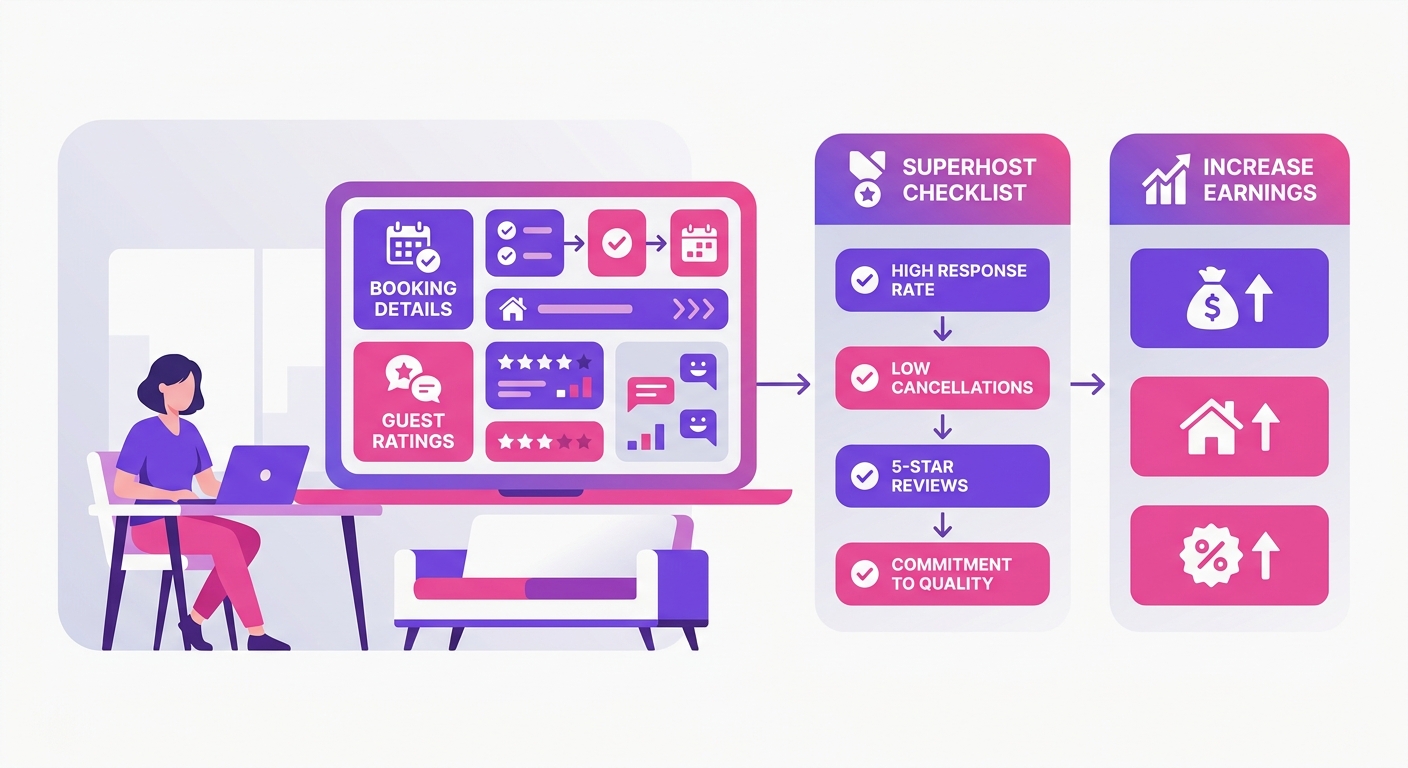
Superhost is a quarterly performance badge Airbnb awards to hosts who clear four hard thresholds in a rolling 12-month window.
The criteria: a 4.8 or higher overall rating at least 10 completed stays (or 3 reservations totaling 100+ nights), a host cancellation rate under 1% (with documented exceptions for extenuating circumstances), and a 90% or higher response rate within 24 hours.
Airbnb runs these checks four times a year, January, April, July, and October, not continuously. You can miss a metric on day 91 and still hold the badge until the next review window.
A full breakdown of the eligibility rules lives in the Airbnb Superhost qualification criteria guide.
Airbnb Superhost Requirements That Actually Matter
Don't let the four Superhost metrics fool you. While Airbnb lists overall rating, completed stays, response rate, and cancellation rate as equals, one of them is a silent killer.
The official help article makes each threshold seem simple, but it's the unforgiving 4.8-star overall rating requirement that quietly disqualifies more hosts than the other three combined.
The 4.8 Rating Threshold in Real Numbers
The math hits small accounts harder than large ones. Take two hosts: one with 20 reviews averaging exactly 4.8, and one with 8 reviews averaging 4.9. A single 4-star review drops the first host's average to 4.76, still passing.
That same review drops the second host to 4.78 on paper, but with only 9 reviews, the rounding is unforgiving and one more 4-star puts them at 4.67. Under 15 reviews, one guest's bad mood is a qualification risk.
Hosts with 30+ listings rarely think about this. Operators with one or two properties should treat every checkout like a rating audit.
Stay Count, 100-night Exception, and Portfolio Edge Cases
Hitting ten completed stays in a year isn't a given, especially for monthly-rental hosts in urban markets with 30-day minimums. You just can't get the volume.
Airbnb's alternative path, 3 reservations totaling at least 100 nights, is a great solution for those longer-stay listings. But it doesn't help weekend STR operators one bit. Tough luck for them; they need the stay count, not the night count.
Co-hosts don't earn Superhost status through the listings they manage. The badge attaches to the listing host's account only.
Response Rate and Cancellation Rules Hosts Get Wrong
The 90% response rate requirement isn't about quality; it's about speed. A quick "Got it, thanks!" to a 10 PM inquiry protects your stats.
Waiting 25 hours to give a complete answer while you're actually fixing a guest's broken water heater is what dings your account. Airbnb only measures your first reply within 24 hours, not your final resolution. It’s a dumb system, but you've got to play the game.
Your cancellations must stay below 1%. While Airbnb offers a policy for extenuating circumstances, don't count on it saving you from a self-inflicted double booking.
Those exceptions are incredibly narrow and hosts report they're applied inconsistently. Treating that policy as a reliable safety net is a rookie mistake you won't make twice.
Assessment Timing and What Counts Each Quarter
Airbnb runs Superhost assessments four times a year: January 1, April 1, July 1, and October 1. Each assessment looks back at your performance over the previous 12 months.
Hit every threshold on March 30? You'll wait until April 1 to find out, and only if the full rolling year clears the bar.
Status isn't granted after one strong month. The rolling 365-day window means a poor stretch from 13 months ago drops off slowly, not all at once.
Guest ratings add another layer of delay. A guest checks out, has 14 days to leave a review, and Airbnb's dashboard may take another 24–48 hours to reflect it in your visible metrics.
During the final two weeks of any quarter, a meaningful share of recent stays won't have posted ratings yet, those checkouts are invisible to the assessment snapshot.
Quarterly Reviews Versus Daily Operations
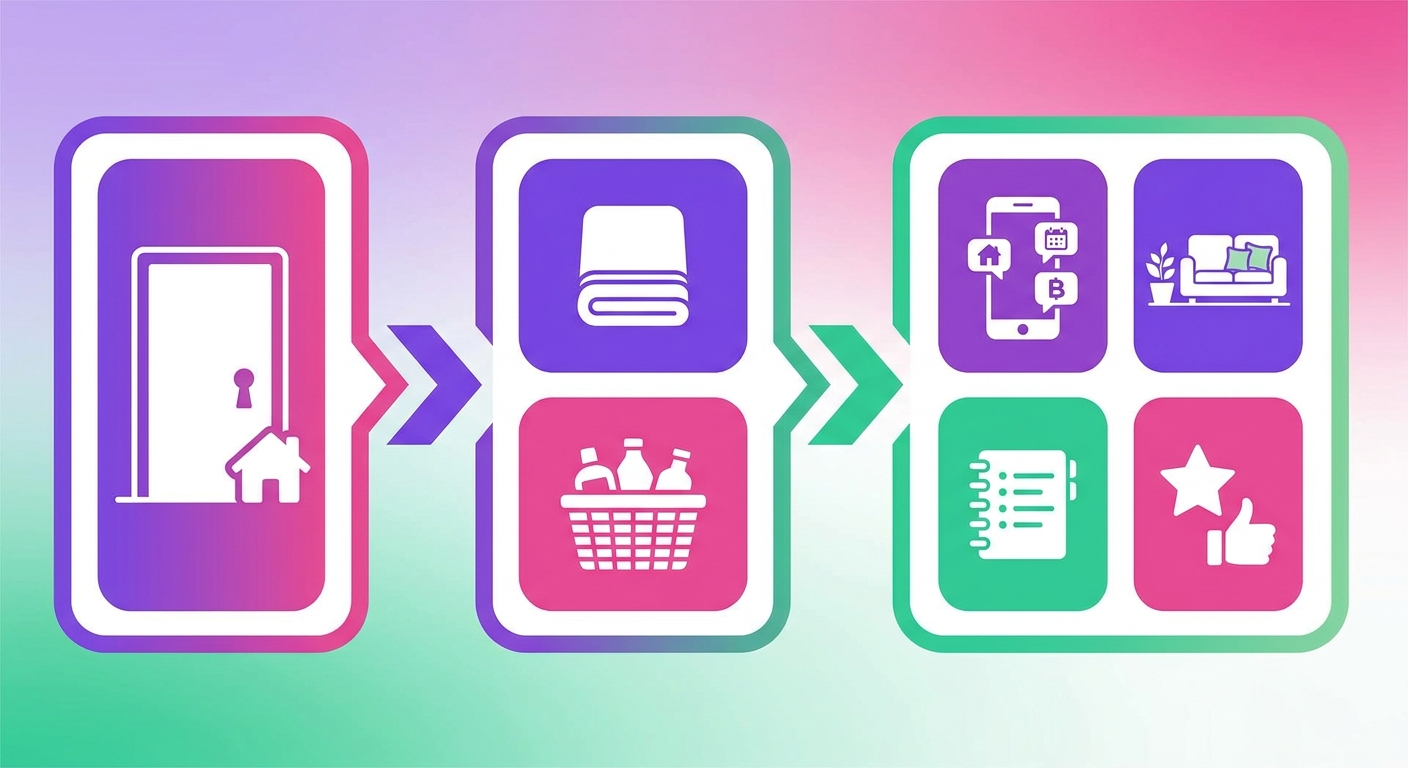
Run a weekly scorecard regardless of Airbnb's quarterly schedule. Check your rolling 365-day response rate, cancellation rate, and average rating every Monday. Discovering a 4.6 average in late March leaves no time to recover before the April 1 cut.
Track response rate weekly, a single slow weekend can drag a 100% rate below 90% faster than most hosts expect
Flag any cancellation the day it happens; one host-initiated cancellation disqualifies you for the full assessment cycle
Monitor your rolling rating against the 4.8 threshold, not just your most recent five reviews
What Happens When Recent Reviews Have Not Posted yet
The final week of the quarter is a trap. Don't trust your dashboard. Guests who checked out in that window haven't reviewed yet, so your visible metrics are dangerously incomplete.
A 4.79 rolling average on March 29th feels safe, but it could easily plummet below the 4.8 threshold once a few late reviews post in April. You won't know for sure until after the assessment has already run. It's a total crapshoot.
The practical fix: treat your mid-quarter numbers as the real signal.
The Operating Metrics Behind Superhost Performance
Airbnb's published criteria tell you the finish line. They don't tell you which operational failures knock hosts out before they get there.
At a $150 ADR listing running 75% occupancy, one missed turnover costs a cancelled booking worth $450 minimum, more than any incremental benefit the Superhost badge adds in a single quarter.
Guest Communication Standards That Protect Your Response Rate
The 90% response rate threshold is straightforward to hit if you treat it as a system. Build a saved-reply library covering the 12 most common quest questions: check-in instructions, parking, Wi-Fi, early check-out requests, and noise complaints. That eliminates 70–80% of original drafting time.
Off-hours coverage is where hosts lose ground fast. Any message before 10 PM gets a reply within 60 minutes. After 10 PM, an automated acknowledgement with a specific callback window keeps your response clock from ticking into failure territory.
Turnover Quality Control and the Cost of One Bad Clean
One 3-star cleanliness review in a 12-review window drags your average below 4.8, the minimum the Airbnb Superhost criteria requires, even if every other review scores 5 stars. A single complaint cancels out roughly three perfect stays.
Use a photographic checklist tied to each turnover, not a verbal sign-off
Require a time-stamped completion photo for high-risk items: linens, kitchen surfaces, bathroom fixtures
Calendar Discipline Across Airbnb, Vrbo, and Booking.com
A double-booking forces a host-initiated cancellation. One host-initiated cancellation within a 12-month assessment window disqualifies you from Superhost status entirely regardless of rating or response rate. Calendar hygiene is a cancellation-prevention system with a direct line to eligibility.
Sync delays between channels are the primary culprit. Export your Airbnb iCal to Vrbo and Booking.com, verify the sync fires within 15 minutes of a new booking, and test it manually once a month.
A 90-day Plan to Reach Superhost Faster

The sequence matters more than the effort. Hosts who chase bookings before fixing operations almost always stall at the 4.7-star threshold, because every new guest is another opportunity to lock in a bad rating.
Run this in order:
Week 1: Set up automated messaging so every inquiry gets a response within 30 minutes. Turn on Airbnb's pre-scheduled messages if you don't have a PMS. Response rate climbs fast once the system runs itself.
Week 2: Audit your listing against the actual space. Wrong bed count, missing amenities, outdated photos, these produce the "not as described" reviews that tank your rating before guests even check out.
Week 3: Add a post-turnover checklist with photo sign-off. Cleaners miss things; a 10-point checklist cuts that rate significantly and gives you documentation when a guest complains.
Month 2: Tighten pricing and minimum stays. Drop your minimum to 2 nights if it's currently 3 or more. Price competitively within 5% of comparable listings in your market.
Month 3: Review your last 10 guest messages for patterns. If three guests mentioned the same issue, fix it and update your listing copy to reflect the fix.
If You Are Short on Stays
Fewer than 10 completed stays in a 12-month window means the eligibility clock is the problem, not the rating. Shorter minimum stays (1-2 nights) and pricing 8-12% below your comp set will accelerate booking volume without requiring a discount strategy.
Don't sacrifice rate permanently, use it for 6-8 weeks to build the stay count, then normalize.
If You Have Enough Stays but Weak Reviews
Stop pushing volume. Scaling bad operations only multiplies the sub-5-star reviews you're already collecting, and Airbnb's assessment window doesn't forget quickly.
Find the root cause first: cleanliness complaints, check-in friction, or listing accuracy gaps account for roughly 80% of rating drops. Fix one category at a time, confirm the fix holds across 3-4 stays, then open up
What You Get If You Qualify
The Superhost badge appears on your profile, your listing pages, and in Airbnb search results. That visibility is real. Airbnb's own data suggests Superhost listings see higher click-through rates, though the company doesn't publish a precise figure publicly.
Beyond the badge, qualifying hosts get priority access to Airbnb's customer support line a meaningful operational advantage when a guest dispute needs fast resolution. You also receive an annual travel coupon (currently $100 USD) and are considered first for Airbnb's referral bonus program.
Here's where most guides overstate the case: the badge won't compensate for weak pricing or inconsistent turnovers. A Superhost listing priced 20% above comparable non-Superhost listings will lose bookings every time. The badge shifts the odds slightly in your favor, it doesn't replace competitive rates, accurate availability, or fast guest responses.
Clean operations drive revenue. The badge reflects them.
What Happens If You Lose Superhost Status
Airbnb runs its superhost assessment four times a year, on the first day of each quarter. If your metrics slip below the thresholds at any checkpoint, the badge disappears immediately, no warning, no grace period.
The most common causes: a host-initiated cancellation dropping you below the 1% ceiling, and a cluster of 4-star reviews pulling your rating under 4.8. Both are recoverable.
A Practical Recovery Plan
Pull your performance dashboard the day you lose status and check which metric failed first.
Cancellations: Only host-initiated cancellations count against you. Guest cancellations don't affect your rate.
Low ratings: Filter the past 12 months for anything under 5 stars and look for patterns, cleanliness and check-in accuracy are most cited.
Response rate: The fastest fix. Set up automated replies for initial inquiries inside your channel manager.
You have roughly 90 days until the next assessment. That's enough time to correct most failures if you identify the root cause in week one.
What Hosts Often Miss
Most hosts who miss the badge aren't failing on fundamentals. They're optimizing the wrong things at the wrong time.
Chasing badge tactics instead of fixing operations. Reading threads about response time hacks while your cleaning crew leaves properties at 70% standard. The badge follows good operations, it doesn't substitute for them.
Over-automating guest communication. Scheduled messages cover routine check-ins, but a guest who sends three follow-up messages and gets a bot reply each time is writing a 3-star review before they've unpacked.
Ignoring review-volume math. One 4-star review against 10 total drops your average faster than most hosts expect. At 50+ reviews, a single bad rating barely moves the needle.
Assuming co-host work counts. Your account needs the qualifying stays, responses, and ratings, not the listing's combined activity.
Trying to recover metrics in the final two weeks of a quarter. Airbnb's evaluation window is fixed. If your response rate is at 82% on day 80, fast replies in the last 11 days won't close that gap to 90%.
These aren't beginner mistakes. Experienced operators hit every one of them.