
How to Add a Co-Host on Airbnb Without Giving Away Too Much Control

Contents
Table of Contents
Most guides on how to add a co host on airbnb walk you through the settings menu and call it done. This one covers what actually matters: who to add, what permissions to give them, and the one default setting that hands over more control than most hosts realize.
How to Add a Co-host on Airbnb: the Complete Process
Most guides walk you through the click-by-click steps and stop there. That's the wrong place to stop. The real decisions happen before you touch the invite button: who gets access, what level of control they hold, and what you've agreed to in writing. Get those wrong and the Airbnb co-host setup becomes a liability, not an asset.
Where the Invite Actually Lives
First, you've got to add the co-host at the listing level. Log into your Airbnb account, click on a specific listing, and find the Co-Hosts tab. This isn't an account-level setting. That means if you have 12 properties, you'll be repeating this tedious setup process 12 separate times. It's a real chore.
Enter the co-host's email address. They need an existing Airbnb account tied to that email before the invite goes through. Once you send the invite, the co-host receives a notification in their Airbnb inbox. They must accept before they gain any access.
Permission Levels: What Each Role Actually Controls
Airbnb offers three co-host permission tiers. Understanding the difference prevents the most common mistake hosts make: giving a cleaner or handyman full access when they only need to see the calendar.
| Permission Level | What They Can Do | What They Cannot Do |
|---|---|---|
| Full Access Co-Host | Manage reservations, message guests, adjust pricing, edit listing details, accept or decline bookings | Remove the primary host, change payout banking details |
| Custom Access | Selected capabilities from a checklist, e.g., guest messaging without pricing control | Any capabilities not explicitly enabled |
| Cleaner | View scheduling and checkout information only | Guest-facing communication, pricing, listing edits |
When to Use Full Access Vs. Limited Access
Full access is appropriate for a trusted co-host who runs operations independently, someone who covers guest communication while you're unavailable, adjusts nightly rates during demand spikes, or handles booking decisions on multi-unit portfolios. That person needs real authority to act without calling you first.
Custom access suits a part-time assistant who handles guest messaging but shouldn't touch pricing or availability. Cleaner access is narrowly scoped for turnover staff who need checkout times and nothing else. Giving operational staff full access introduces real risk, one accidental pricing change on a peak weekend can cost more than a month of cleaning fees.
Practical Assignment Rules
- Assign full access only to co-hosts directly responsible for guest outcomes and revenue decisions.
- Use cleaner or custom access for anyone in an execution-only role.
- If a co-host's responsibilities expand, update their permission level without removing and re-inviting them.
Co-Host Payouts: How Compensation Actually Works
Airbnb pays co-hosts directly from the reservation payout, not as a transfer from the primary host. The split applies to the host payout, Airbnb takes its service fee first, then the remaining amount is divided according to the percentage you've configured.
Setting the Payout Split
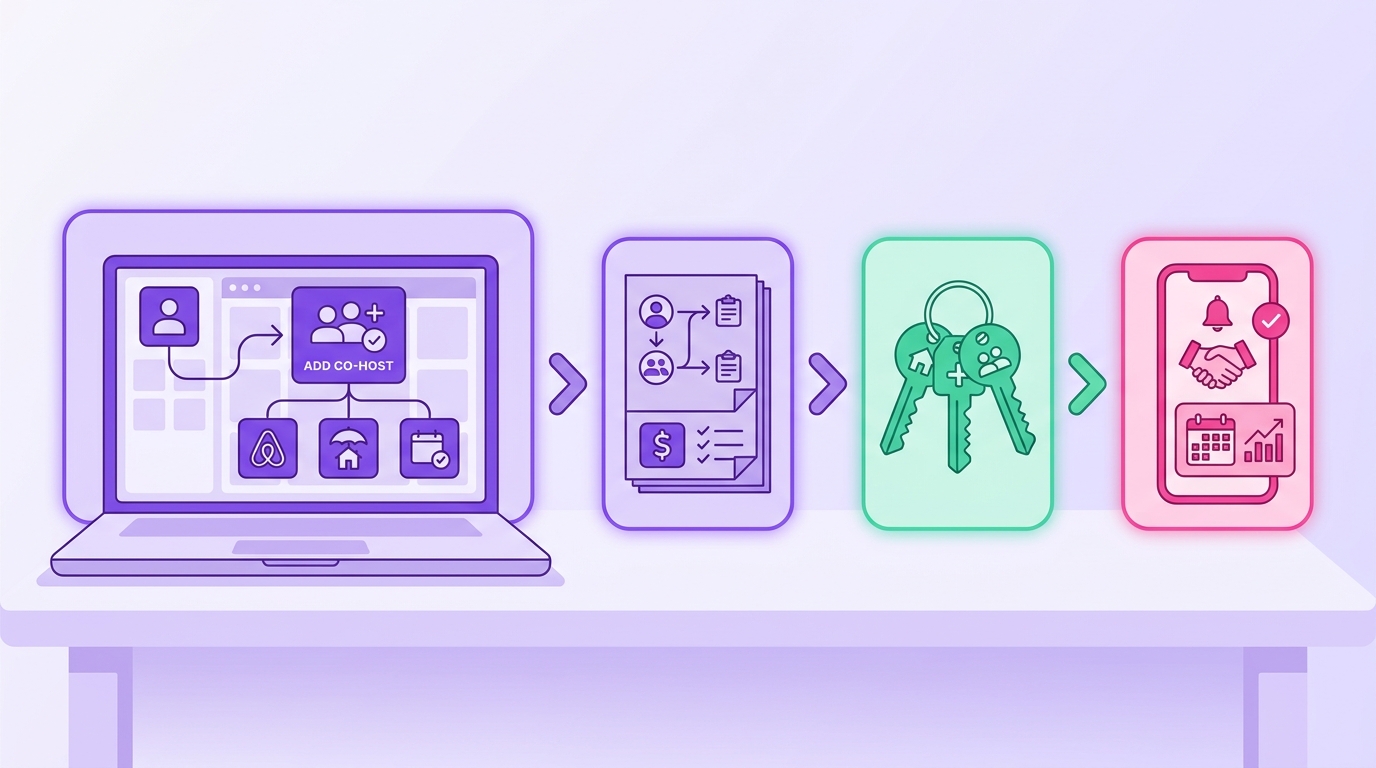
When you invite a co-host, you'll set their payout percentage. This cut comes only from the nightly rate. It doesn't touch the cleaning fee or Airbnb's service fee. For example, on a $200 booking with a $50 cleaning fee, a co-host earning 15% gets $30, not $37.50. These aren't official Airbnb figures; you two have to agree on the terms privately before you send the invite.
What Hosts Get Wrong About Payout Structure
The most common error is assuming the split covers all fees. If your listing charges a cleaning fee and your co-host manages the cleaning crew, that needs a separate agreement, Airbnb's payout split won't route it automatically. Co-hosts also receive a 1099 from Airbnb if their earnings exceed the IRS reporting threshold, which is their tax responsibility, but worth discussing before formalizing the arrangement.
Managing Multiple Co-hosts Across Listings
Airbnb allows different co-hosts on different listings under the same host account. Access controls stay at the listing level, so there's no risk of cross-contamination between co-hosts managing separate properties.
When One Co-host Covers Multiple Listings
If a single co-host manages several properties, add them to each listing individually. Permission levels and payout percentages don't carry over automatically, set both per listing and match access to actual responsibility.
- Repeat the invitation process from each listing's co-host settings separately.
- Set payout percentages per listing, they don't carry over automatically.
- Confirm calendar access is enabled on every listing if the co-host handles availability.
What Co-hosts Can and Cannot Do
A co-host with full access can accept or decline reservation requests, adjust nightly rates, modify the listing description, and respond to guests. They cannot access the host's payment method, change the payout bank account, or transfer listing ownership. Those controls stay with the primary host permanently. Co-hosts also can't change the primary host's profile, accept Airbnb's terms of service on the host's behalf, or respond to support inquiries requiring host identity verification.
Messaging and Guest Communication
When a co-host responds to a guest, the message appears under the co-host's name. Set a clear handoff point in your operations, either the host handles pre-booking communication and the co-host takes over post-confirmation, or the co-host manages everything from inquiry to checkout. Mixed handoffs with no clear protocol are where miscommunication happens.
Removing or Replacing a Co-host

From the listing's co-host settings, select the co-host and choose "Remove." Their access is revoked immediately. Pending payouts for completed stays still process normally. If you're replacing one co-host with another mid-season, complete the removal before sending the new invitation to avoid conflicting calendar edits.
Don't expect Airbnb to play referee if a co-host relationship sours. But it won't touch bigger contractual fights, like a dispute over who was supposed to pay for the new $500 coffee machine. Any verbal revenue-share deal you made is basically unenforceable on the platform. Bottom line: get it in writing.
Mr. Props keeps your entire team's access, tasks, and guest communications in one place across every