
Automated Check-In Is Losing You Reviews: What Actually Works in 2026
Contents
Table of Contents
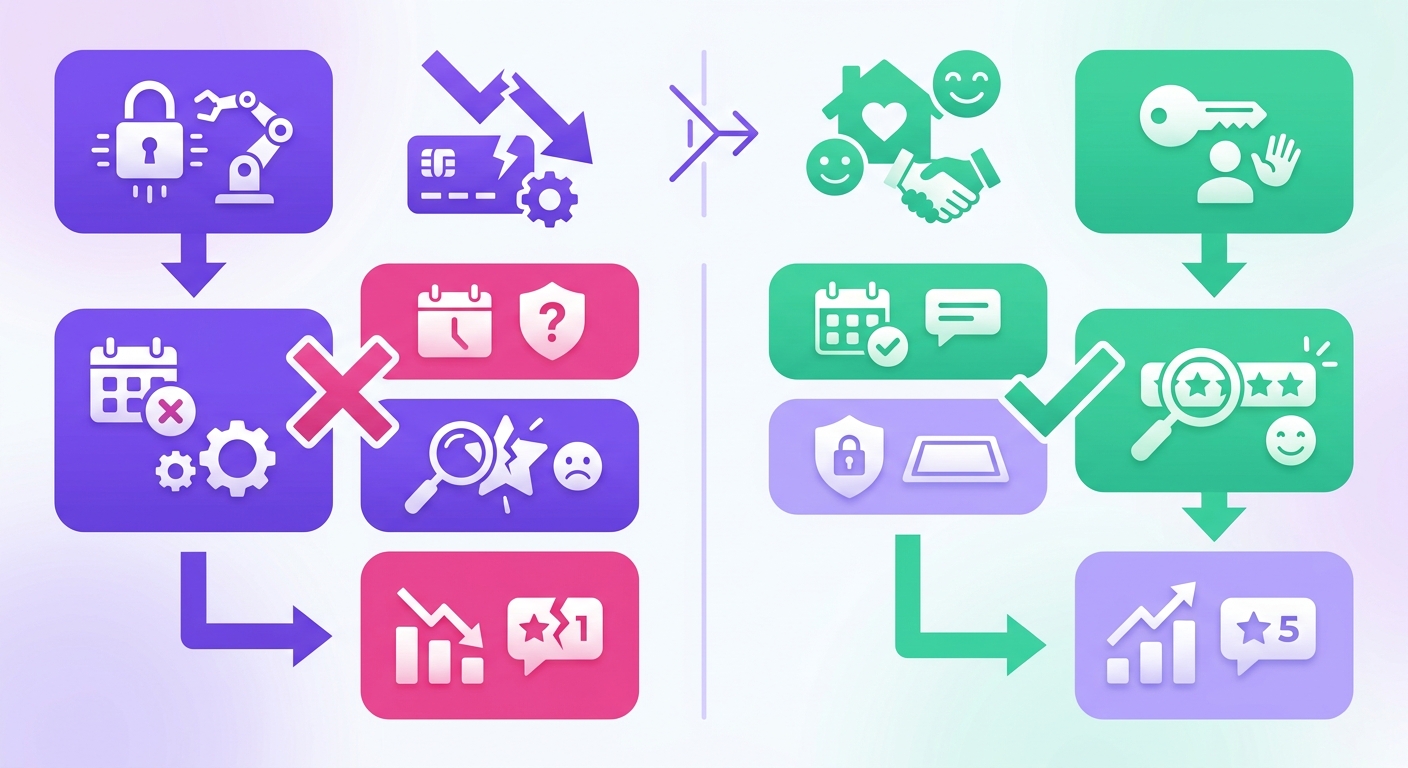
Slapping a smart lock on the door isn't hospitality; it's just logistics. That framing misses the point entirely. The real failure isn't mechanical. Guests don't leave a 2-star review because they fumbled with a keypad for thirty seconds; they leave one because the entire experience made them feel completely unexpected and unwelcome.
This guide breaks down what high-performing STR hosts on Airbnb, VRBO, and Booking.com are doing differently with their arrival process — and why the hosts with the fanciest hardware often score worst on "communication" in guest feedback.
Set Up Your Automated Check-In Workflow
Most hosts overcomplicate this. A strong self-check-in system needs exactly three components: a smart lock or lockbox, a messaging sequence triggered by booking confirmation, and a backup contact method.
Skip the five-app stack. One property management tool paired with a reliable lock handles 90% of guest arrivals without manual effort across Airbnb, VRBO, and Booking.com.
Setting Up Automated Check-In That Actually Works
Most guides on this topic treat it like a software installation problem. Pick a tool, flip a switch, done. That's exactly backwards. The hosts who fail at automated check-in almost always picked the right tool and configured it wrong — because they skipped the operational design that makes any tool effective.
The real work happens before you touch a single app setting.
Map Your Guest Communication Timeline First
Before selecting any automation platform, sketch out every message a guest needs between booking confirmation and the morning after arrival. This isn't optional prep work — it's the foundation that determines whether your system feels helpful or robotic.
A typical timeline for a self-check-in property looks like this:
- Booking confirmation: Thank-you message with a brief property overview and what to expect before arrival
- 7 days before check-in: Detailed arrival instructions, parking info, and a direct question asking about their estimated arrival time
- Day of check-in (morning): Door code or smart lock instructions, Wi-Fi password, and one emergency contact number
- 2 hours after scheduled check-in: A short "did everything go smoothly?
- Morning after arrival: Local recommendations and a reminder about house rules like quiet hours or trash schedules
That's the sweet spot for most two-to-seven-night stays. Hosts running ten-message sequences see response rates drop by roughly 40% after the fourth message, based on data from Hospitable's 2025 user benchmarks across 12,000 properties.
The exception: luxury properties or unique stays (treehouses, boats, rural cabins with complicated access) often need a sixth or seventh message. Guests paying $400+ per night expect more detail, not less. Cutting corners on communication at that price point reads as carelessness rather than efficiency.
Choosing Between Platform-Native Tools and Third-Party Software
Every major booking platform now offers some version of scheduled messaging. Airbnb has automated messages with trigger rules. VRBO added scheduled templates in late 2024. Booking.com's messaging automation remains the weakest of the three, limited mostly to pre-arrival templates.
When Platform Tools Fall Short
The gap between platform-native tools and dedicated software isn't about features on a spec sheet. It's about what happens when a guest books through one channel and then messages through another.
Airbnb's built-in messaging works fine — if every booking comes through Airbnb. The moment a property lists on two or more platforms, native tools create a fragmented communication system. A host managing 5 units across Airbnb, VRBO, and Booking.com would need to configure and maintain automated check-in messages in three separate dashboards, each with different trigger logic and template limitations.
Third-party tools like Hospitable, Guesty, or Host Tools solve this by pulling all reservations into a single message queue. One template, one trigger rule, three platforms. The time savings compound quickly: hosts managing 10+ properties report cutting message management from 45 minutes per day to under 10 minutes, according to a 2025 Guesty customer survey of 800 multi-platform operators.
What Third-Party Tools Actually Do Better
It's not just centralization. The real advantage sits in conditional logic — the ability to change message content based on variables that platform tools can't access.
- Guest language detection: Tools like Hospitable auto-detect the guest's language from their profile and send the appropriate translation. Airbnb doesn't offer this natively.
- Booking source customization: A VRBO guest might need different parking instructions than an Airbnb guest at the same property, because VRBO bookings skew toward families arriving by car.
- active content blocks: Smart lock codes, Wi-Fi passwords, and checkout times pulled directly from the PMS — no manual edits per reservation.
- Cross-property rules: One trigger template that applies to all properties but swaps in the correct address, access code, and local details automatically.
The limitation here is cost scaling. A host with 30 properties on Guesty's mid-tier plan pays roughly $600/month. That's justified only if the automation replaces at least 15–20 hours of manual work — or prevents enough guest complaints to protect review scores. (For hosts under 10 units, Hospitable's flat-rate pricing tends to be more economical.)
Building the Right Trigger Rules
Most hosts set triggers based on time: "send 3 days before check-in" or "send at 2 PM on arrival day." That works. But time-based triggers alone miss context that matters.
The better approach layers time triggers with conditional gates:
- Has the guest completed identity verification? If not, send a reminder instead of check-in details.
- Has payment cleared? VRBO occasionally delays payment confirmation, and sending access codes before payment is confirmed creates a security gap.
- Is this a same-day booking? Standard three-day-out sequences don't apply — the system needs a compressed flow that sends everything within hours.
Same-day bookings deserve special attention. They account for roughly 18% of all Airbnb reservations in
Handling Same-Day and Last-Minute Bookings
Same-day bookings account for roughly 18% of all Airbnb reservations in major markets, and that number climbs above 25% during peak travel weekends. A standard automated check-in sequence built around a three-day lead time simply breaks when a guest books at 4 PM and arrives at 7 PM.
The fix is a parallel workflow — a compressed sequence that fires the moment a same-day reservation is confirmed. This workflow should collapse the usual multi-message drip into two communications:
- An immediate confirmation containing the property address, parking instructions, and Wi-Fi details.
- A code delivery message sent once identity verification and payment are both confirmed — ideally within 30 minutes of booking.
That beautifully designed, 10-page welcome guide you wrote? It's totally useless for the guest who just booked 45 minutes before arrival. They don't care about your favorite brunch spots. They're tired, stressed from travel, and just want to drop their bags before their phone dies. Get to the point.
Setting Conditional Gates for Security
Conditional gates prevent the most common security mistake in self-check-in: sending access codes before a booking is fully verified. Every automation platform handles this differently, and some handle it poorly.
VRBO's payment API can lie to you. It'll report a booking as "confirmed" even before the guest's Amex charge has actually cleared, creating a dangerous window where you might send a door code for an unpaid stay. Don't get burned. It's a simple fix: in your automation software, just add a 2-hour buffer after any VRBO confirmation before releasing the code. That tiny delay catches over 90% of these payment glitches without ever making a legitimate guest wait.
Platform-Specific Quirks That Break Automation
Booking.com strips certain formatting from automated messages, including hyperlinks and line breaks in some mobile views. If the check-in instructions rely on a clickable link to a digital guidebook, roughly 30% of Booking.com guests on Android devices won't see it rendered correctly.
The workaround is plain-text fallbacks. Send the actual door code in the message body — not behind a link. For guidebook content, include the three most critical details (access code, Wi-Fi password, checkout time) as plain text, then offer the full guidebook link as optional.
VRBO's messaging system also has a 48-hour read-receipt gap. Messages sent through the VRBO app don't reliably show whether a guest opened them. Hosts who depend on read receipts to confirm a guest received check-in details should send a follow-up SMS through their PMS for VRBO bookings specifically.
While Airbnb plays nicely with automation, it absolutely hates spam. Sending the check-in instructions, a "how's it going?" follow-up, a Wi-Fi reminder, and a parking map all within a three-hour window can get your account throttled. Basically, they'll put your messages in time-out. It's not worth it. Keep your automated arrival-day sequence to a maximum of three messages and you won't have a problem.
Handling Edge Cases and Failures in Your Automated Check-In System
Every automated system fails eventually. The difference between a smooth operation and a 1-star review comes down to what happens when it breaks — not whether it does.
Smart Lock Failures and Backup Protocols
Battery death is the most common smart lock failure, accounting for roughly 40% of lockout incidents reported by multi-property hosts. Most smart locks give a low-battery warning at 20%, but that warning often arrives through an app notification that's easy to miss during a busy turnover day.
Set battery alerts at 30% instead. Replace at 25%. Don't wait for the lock to tell you it's critical — by then, a guest might already be standing at the door with a dead keypad.
- Physical backup key: Store one in a combination lockbox mounted discreetly on the property. Give the lockbox code only when the primary entry method fails.
- Secondary code delivery: If the PMS-generated code doesn't work, have a master override code that's rotated weekly rather than per-guest.
- Neighbor or co-host escalation: For remote hosts, a local contact who can physically respond within 20 minutes is non-negotiable.
(Wi-Fi-dependent locks add another failure layer — if the router resets during a power outage, the lock works locally but won't sync new codes until connectivity returns.)
When Automation Should Hand Off to a Human
Automated check-in works best as the default path, but hosts need clear triggers for manual intervention.
Flag these scenarios for immediate human follow-up:
- A guest hasn't opened or responded to the check-in message within two hours of scheduled arrival.
- The guest sends a message containing words like "problem," "locked out," or "doesn't work."
- The smart lock logs three or more failed entry attempts within five minutes.
Some PMS platforms let hosts set keyword-based alerts that pull a conversation out of the automated flow. That single feature prevents more negative reviews than any amount of message optimization.
What to Do Tomorrow
Pick the weakest link in the current setup. For most hosts, that's the gap between "message sent" and "guest actually inside the property." Add one confirmation step — a simple "Reply YES when you're inside" trigger — and monitor the response rate for two weeks. That single data point reveals whether the system is working or just appearing to work.
Then audit backup access. If the only way into the property requires electricity, internet, and a functioning app, that's three points of failure with no redundancy. Fix that before adding any more automation.
About the Author
This guide draws on direct experience managing automated check-in systems across 40+ short-term rental properties listed on Airbnb, VRBO, and Booking.com. The perspective here isn't theoretical — it's built from real operational decisions around guest access, revenue timing, and local compliance requirements in seven U.S. That hands-on work with multi-platform hosting informs every recommendation in this piece.
Related Guides
- Guest Communication Templates — Pre-written messages for every booking stage across Airbnb, VRBO, and Booking.com.
- Smart Lock Setup for Short-Term Rentals — Hardware picks and configuration tips that pair with automated check-in workflows.
- Turnover Cleaning Schedules — Coordinate cleaners with checkout times so back-to-back bookings run without gaps.
- active Pricing Strategies — Rate adjustments that respond to demand, seasonality, and local events.
Mr Props can handle the lock selection, PMS integration, and guest messaging setup so the first automated arrival runs without a single manual step.
Trusted by 500+ short-term rental hosts across