
What is Property Management Owner Portal?
Property Management Owner Portal A property management owner portal is a secure, web-based dashboard that gives…
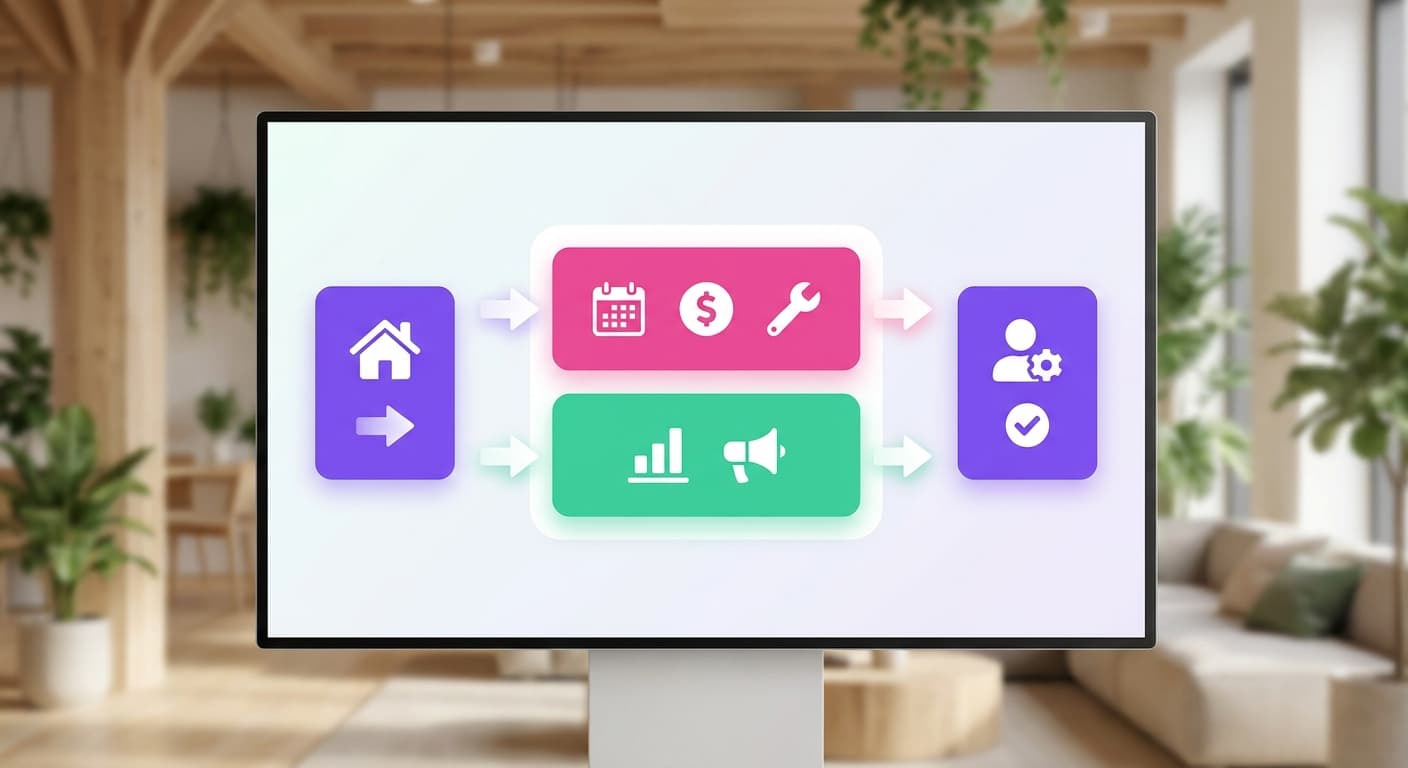
A property management owner portal is a secure, web-based dashboard that gives rental property owners real-time visibility into their listing's financial performance, booking activity, maintenance requests, and payout history.
Think of it as your read-only window into operations. You see occupancy rates, nightly rates (say, $150/night across a 72% occupied month), and net payouts after management fees, all in one place.
You don't need to email your co-host for a revenue update or dig through Airbnb's host dashboard to reconcile what you were actually paid.
Why Property Management Owner Portal Matters for Your STR Bottom Line
At $150/night with 75% occupancy, your Airbnb generates roughly $41,000 annually per property.
Without a centralized owner portal, a meaningful slice of that disappears into accounting errors, delayed payouts, and disputes you can't document.
The portal also matters for tax prep. Documented income and expense records cut bookkeeper hours by 30-40% at year-end, a direct cost reduction, not a convenience feature.
How a Property Management Owner Portal Works in Practice
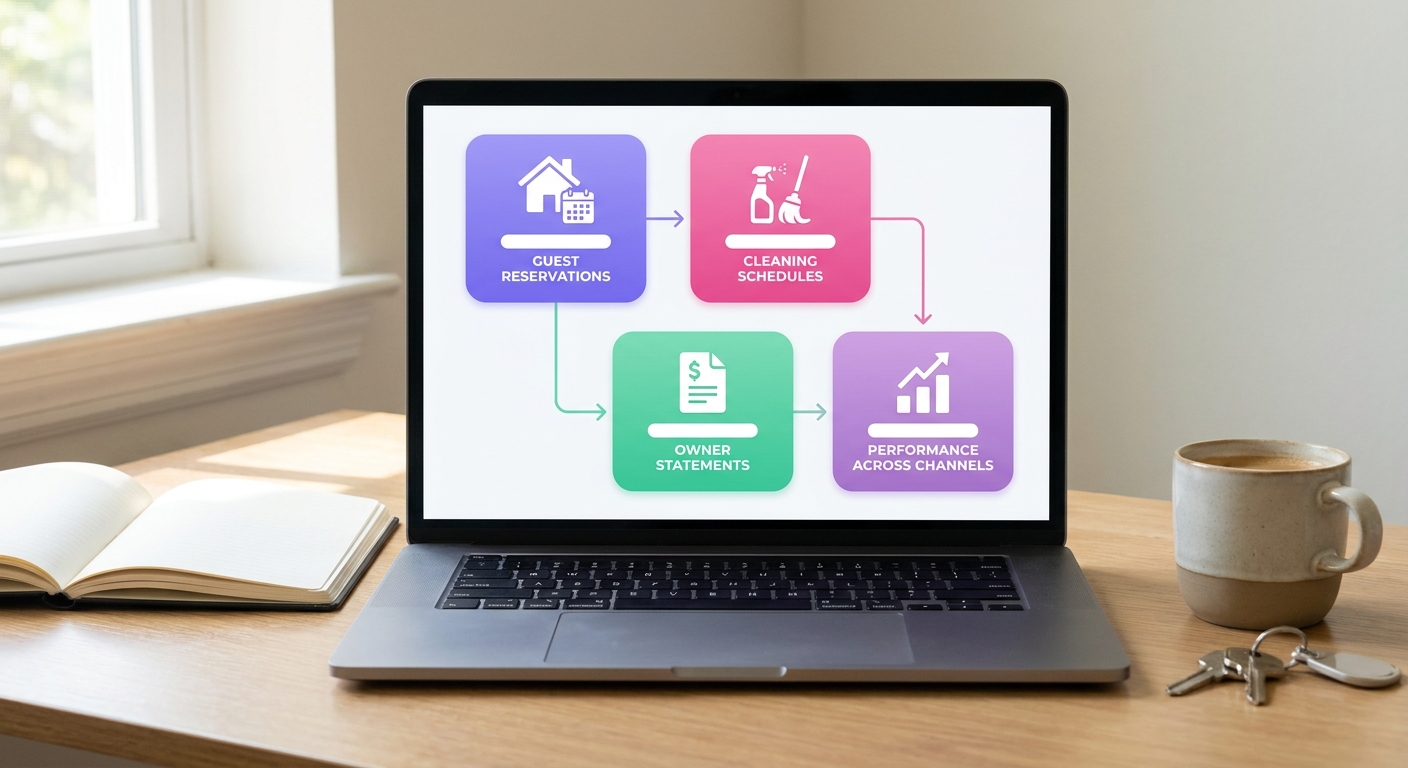
Your portal is the central nervous system, pulling data from three places at once.
Here's the actual flow for a typical STR booking:
A guest books your $150/night listing for 4 nights on Airbnb.
The platform deducts its 3% host fee ($18) and records the $582 net payout.
Your portal logs the reservation, flags the $45 cleaning fee as an owner expense, and updates your monthly revenue dashboard automatically.
After checkout, the payout posts to your owner statement, broken out by gross revenue, fees, and net income.
The portal doesn't replace your channel manager. It sits above it, aggregating the financial and operational output into one owner-facing view. (If you're using a co-host or a full-service property manager, this is the view they share with you so you're not chasing down spreadsheets every month.)
When to Use Your Owner Portal: Seasonal Guidance
Your portal isn't a set-and-forget tool. The situations where it earns its keep change depending on where you are in the calendar year.
Peak season (June–August, December): Pull your owner statements weekly. Seriously, don't wait a month. When you're running at 85–90% occupancy and averaging $180/night, a single payout error from a glitched Vrbo update or a misapplied cleaning fee will compound incredibly fast.
Verify that active pricing adjustments show up correctly in your revenue reports
Confirm maintenance holds aren't eating into peak-night payouts
Check that your occupancy data matches what your listing platform shows
Off-season (January–February): Use the slower booking pace to audit your property's full-year performance inside the portal. Compare your 62% annual occupancy against your market average before you reset pricing for spring.
How a Property Management Owner Portal Affects Your Key Metrics
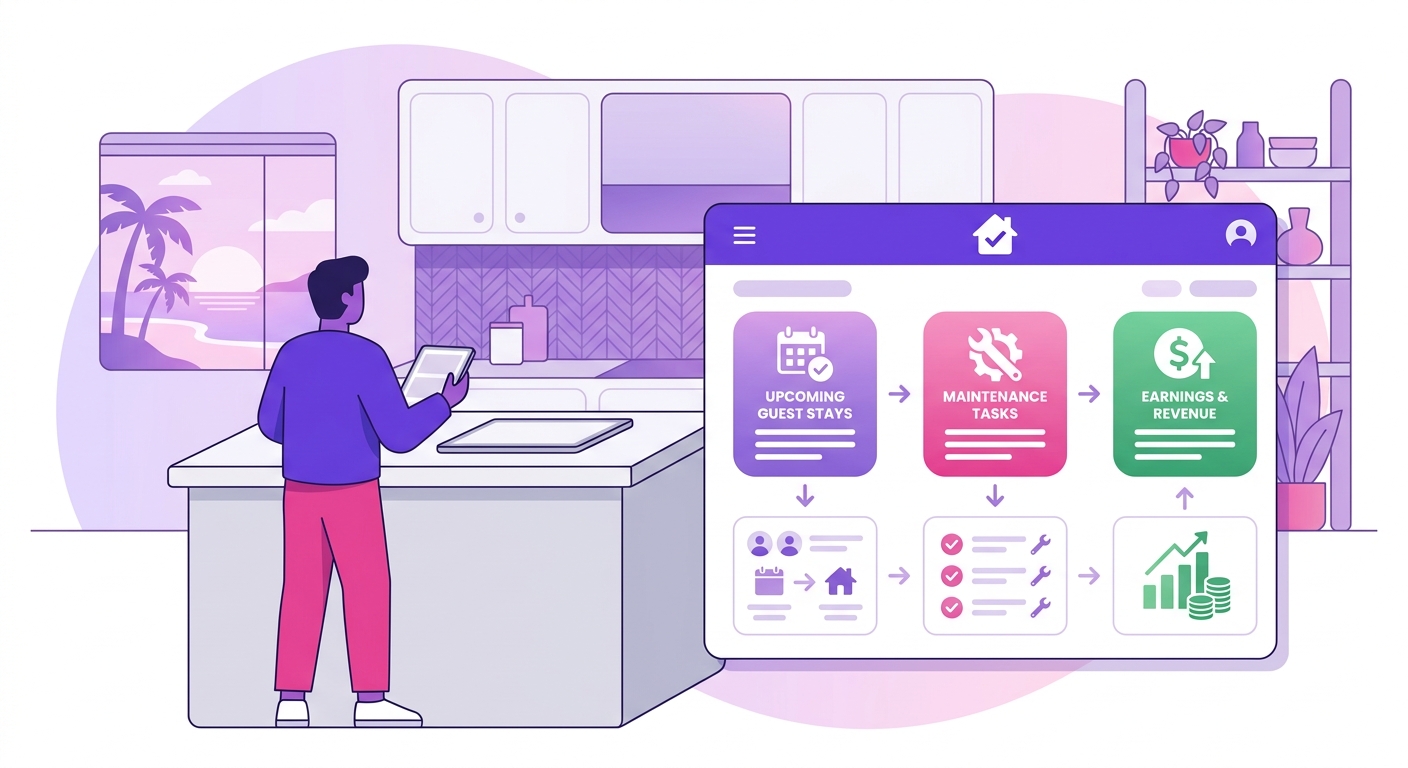
Portal access doesn't directly move your ADR or occupancy rate. What it does is cut the lag between data and decisions, and that gap is where revenue leaks.
When your homeowner portal surfaces real-time financials, you catch underperforming periods faster. A property sitting at 55% occupancy in a month where comparable listings hit 72% is a pricing problem you can act on this week not next quarter when the statement arrives.
The clearest cross-metric win: hosts who review portal data weekly typically adjust pricing 3-4 times per month versus once per month for those relying on monthly PDF statements. At $150/night ADR, even one recovered night per month adds $1,800 annually per property.
Find Your Property Management Owner Portal in Minutes
Mr. Props matches STR hosts with the right owner portal setup for their portfolio size and booking volume, no guesswork, no wasted trials.
Start Free Trial See a Live Demo
No credit card required. Setup takes under 10 minutes.