
What is iCal Sync?
In short-term rental management, An iCal sync is a real-time calendar connection that lets two or…
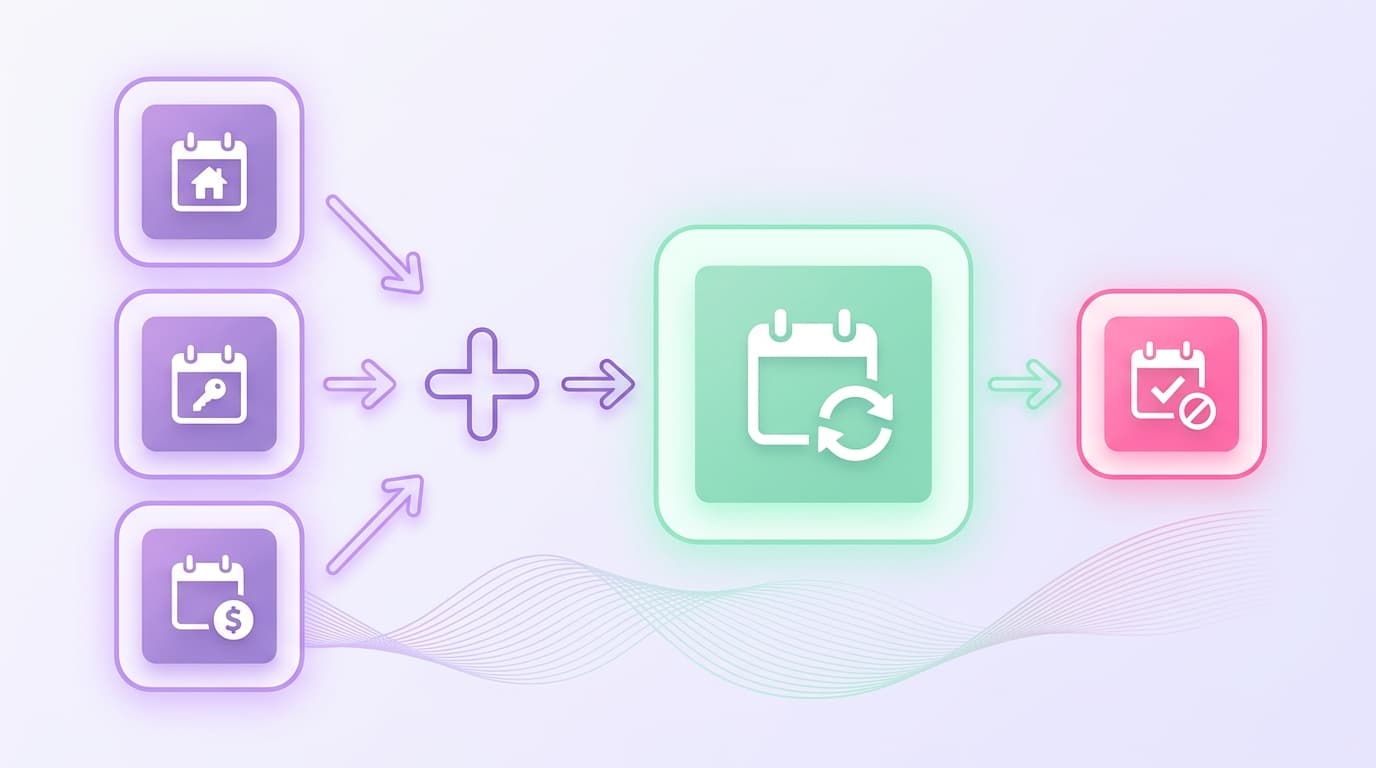
An iCal sync is a real-time calendar connection that lets two or more booking platforms share availability data automatically, using the iCalendar (.ics) file format as the transfer method.
A guest books three nights on Airbnb. The sync should immediately push those blocked dates to Vrbo and Booking.com, with no manual updates required from you.
Each platform generates a unique calendar URL, sometimes called an iCal link that broadcasts your booking data as a read-only feed.
Any platform subscribed to that feed reads it on a set interval and blocks the corresponding dates on its own calendar.
Why iCal Sync Matters for Hosts
A double booking doesn't just cost you a guest complaint. It costs you the booking fee, a potential refund, and your standing on whichever platform penalized you for the cancellation.
At $150 per night with 75% occupancy a single preventable cancellation on a 3-night stay wipes out $450 in revenue plus your $45 cleaning fee, before you factor in any platform penalties.
Hosts running listings on two or more platforms without calendar coordination are exposed to this risk every time a reservation lands. The math compounds fast across a multi-unit portfolio.
The real problem with an iCal sync isn't what most guides tell you. It’s all about speed. That massive gap is precisely where double bookings happen.
How an iCal Sync Works: A Visual Breakdown
At its core, iCal sync follows three steps: your calendar platform generates a feed URL, a receiving platform reads that URL on a set interval, and your booking blocks appear automatically.
The Three-step Data Flow
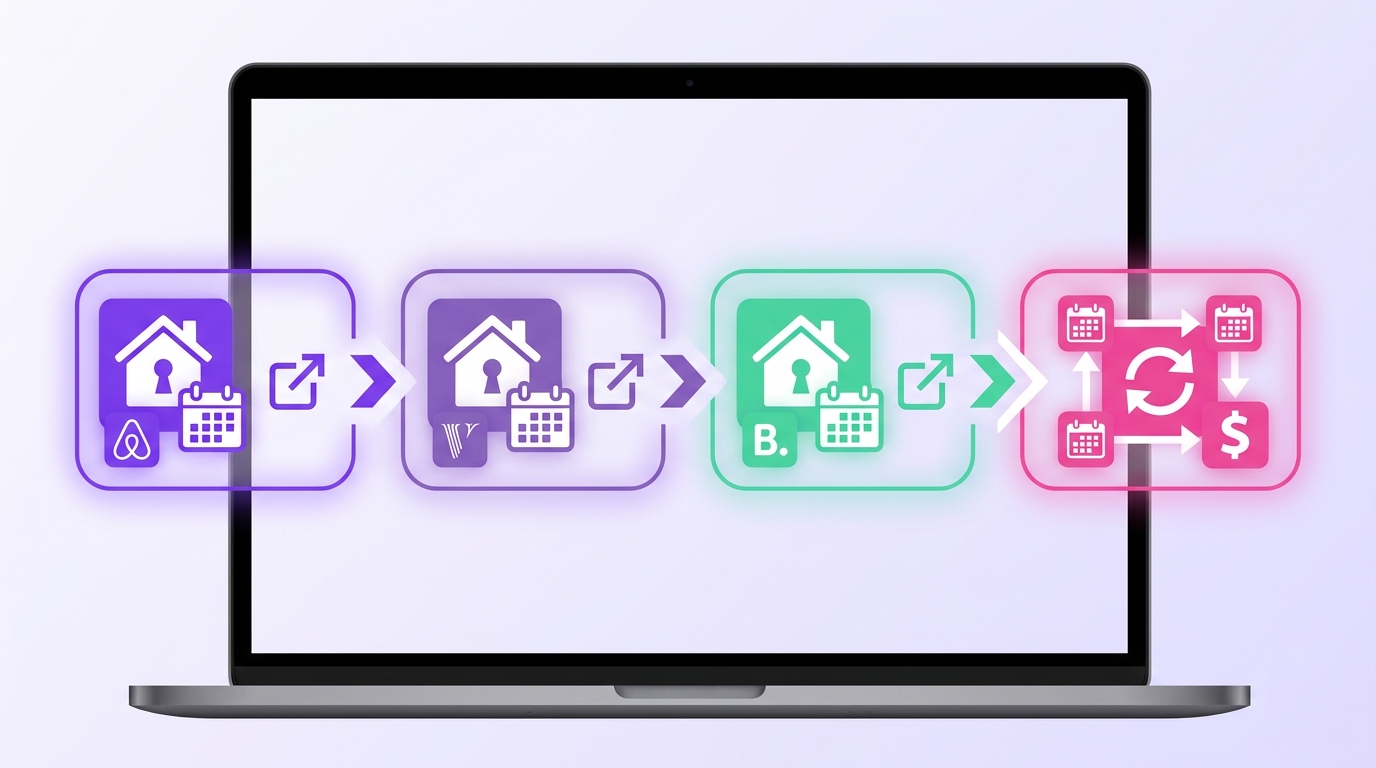
Feed generation: Airbnb creates a unique calendar URL for your listing, updated whenever a reservation changes.
Import by the receiving platform: Vrbo pulls that URL on a fixed refresh cycle, typically every 15 minutes to 6 hours, and marks those dates unavailable.
Bidirectional setup: The host exports Vrbo's calendar URL back into Airbnb so both platforms block dates sourced from the other.
The refresh interval is where most double-booking risk lives. A 6-hour lag means a guest could book on Airbnb while Vrbo still shows those dates open.
What the iCal File Actually Contains
Each iCal link points to a plain-text .ics file with three relevant fields:
DTSTART and DTEND: check-in and check-out dates
SUMMARY: a label such as "Reserved" or "Blocked"
UID: a unique identifier that prevents duplicate entries on re-sync
Guest personal data doesn't travel through iCal. The receiving platform sees a date range and a status, nothing more.
When to Use iCal Sync: Seasonal Guidance
Your listing's exposure to double-booking risk isn't constant. It spikes at predictable moments, and that's when an active iCal connection matters most.
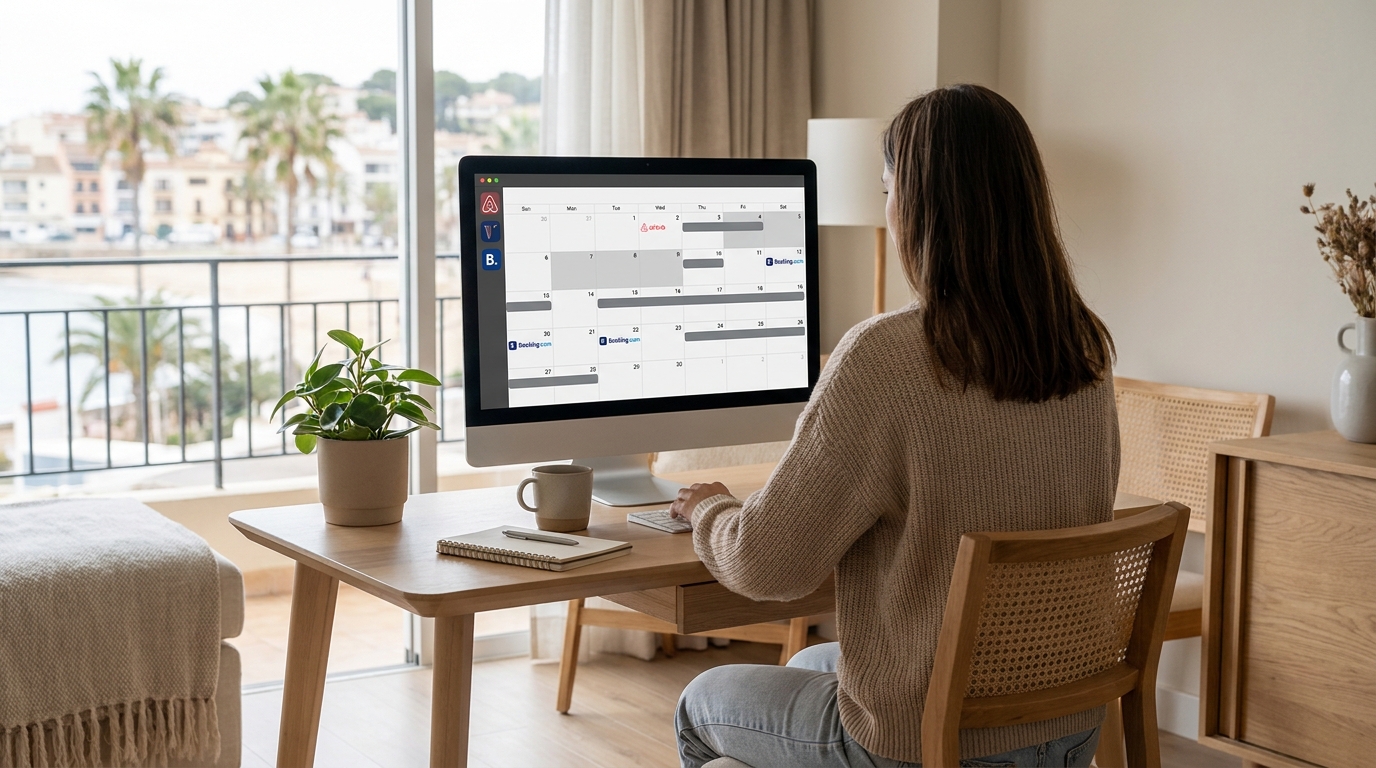
Peak season surges: Summer, holiday weekends, and local events drive simultaneous bookings across multiple platforms. A guest booking your property on Vrbo at the same moment another books on Airbnb is a real scenario, not a hypothetical.
Last-minute windows: When your calendar shows availability within 48 hours, multiple platforms aggressively surface your listing. Sync frequency becomes critical here.
Rate adjustment periods: When you manually block dates to update pricing or prep for a long-term stay, that block needs to push to every connected channel immediately.
How iCal Sync Affects Occupancy and Revenue Metrics
A broken calendar connection doesn't just cause double bookings. It quietly erodes occupancy by keeping dates blocked after checkout, or leaving gaps your pricing tool can't fill accurately.
When your sync feed refreshes every 15 minutes instead of every few hours, your average daily rate holds more reliably because active pricing tools work from current availability.
A 2-hour lag during a high-demand weekend can mean your pricing engine misses a rate adjustment window entirely.
RevPAR depends on both occupancy and nightly rate accuracy. If phantom blocks inflate your "unavailable" nights, your RevPAR understates actual performance and your pricing tool responds to false scarcity signals.
This relationship matters less for hosts with a single listing and minimal channel overlap. At that scale, sync latency rarely moves the revenue needle enough to matter.
Find Your iCal Sync Status in Minutes
Mr. Props shows every calendar connection, gap, and conflict across all your listings in one place, no manual checking required.
Start Free Trial See a Live Demo
No credit card required. Set up in under 5 minutes.
Frequently Asked Questions
Find Your iCal Sync Status in Minutes
Mr. Props shows every calendar connection, gap, and conflict across all your listings in one place, no manual checking required.
No credit card required. Cancel anytime.