
Free AI Photo Enhancer - Best Quality
Upload a room photo from your phone. Get it back brighter, tidier and straight, looking like a professional took it.
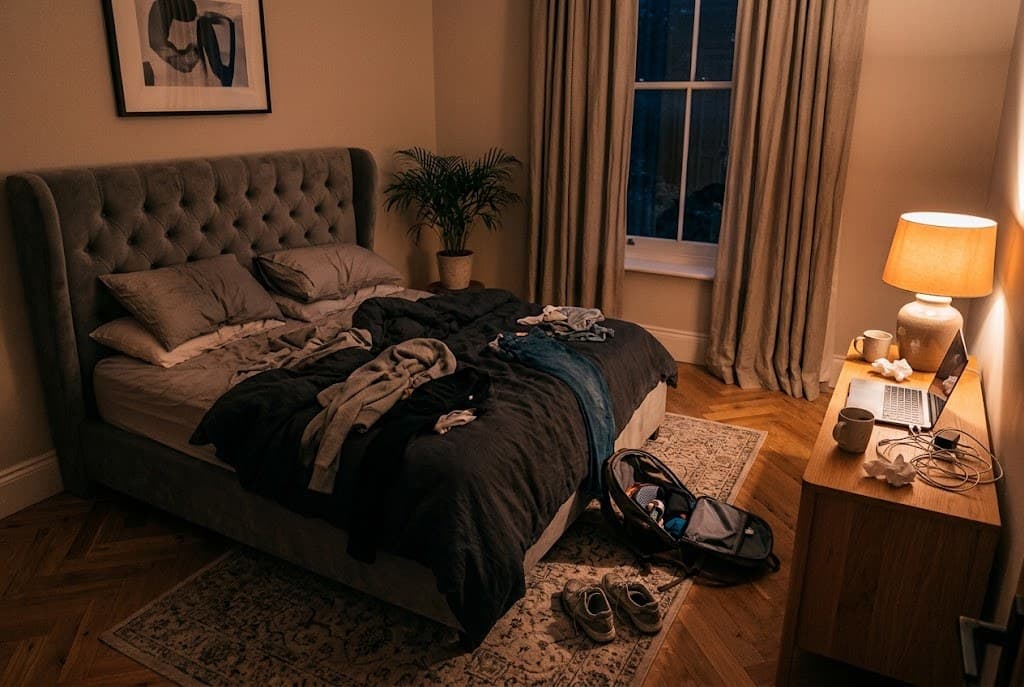
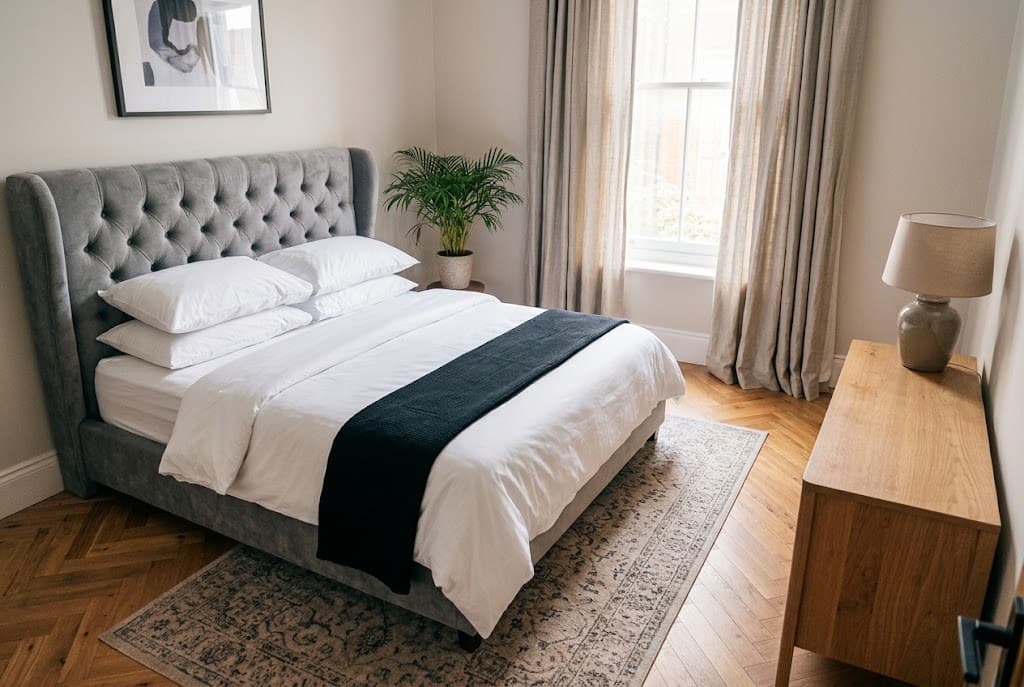
Upload Image
Drop up to 2 room photos here
JPG or PNG photos from any iPhone or Android
No photo handy? Try one of ours:
- Private
- About 20 s
- Free
- 2 free photos a day
- No sign-up, no app
- HD download
- Your room stays your room
Same Room. Much Better Photo.
Phone photo on the left, the enhanced photo on the right. Drag to see what changed.
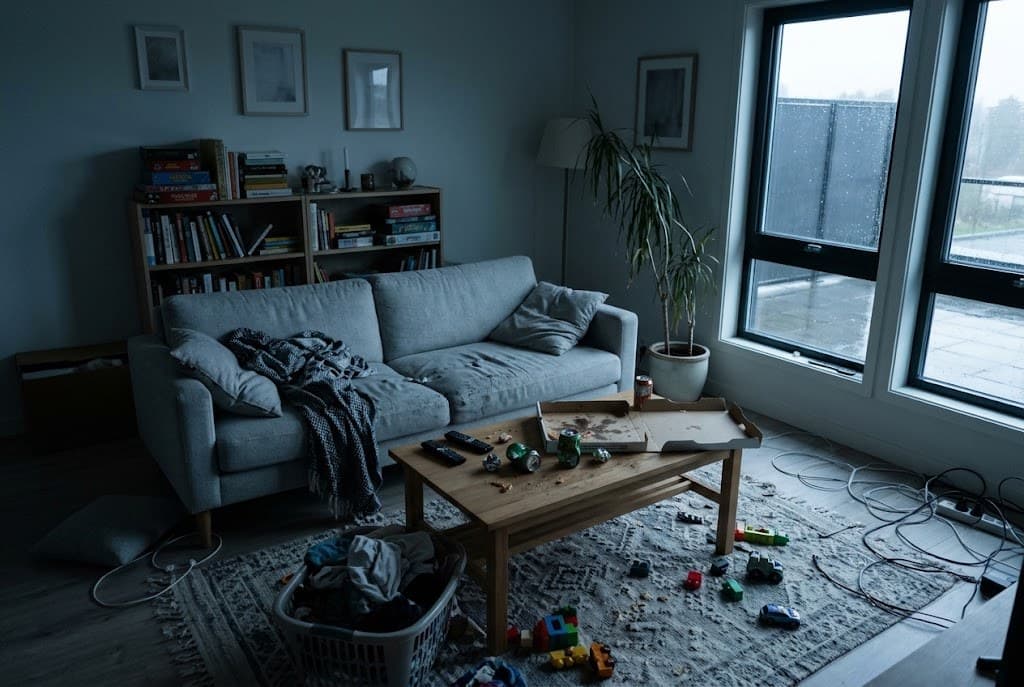
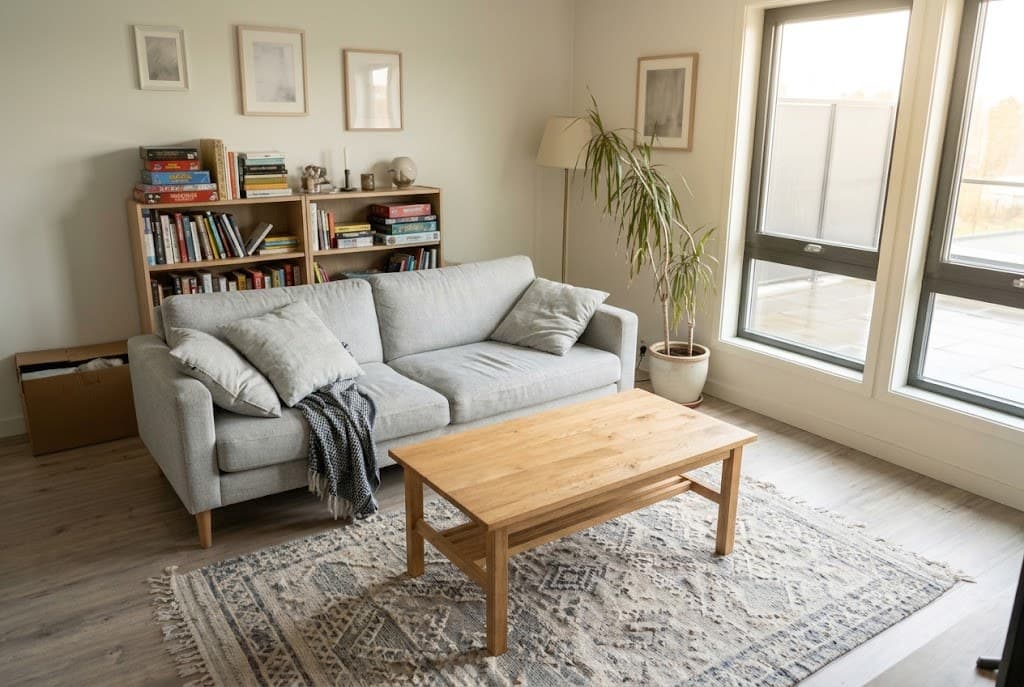
Living room
- ✓ Sunny daylight
- ✓ Clutter gone
- ✓ Straight
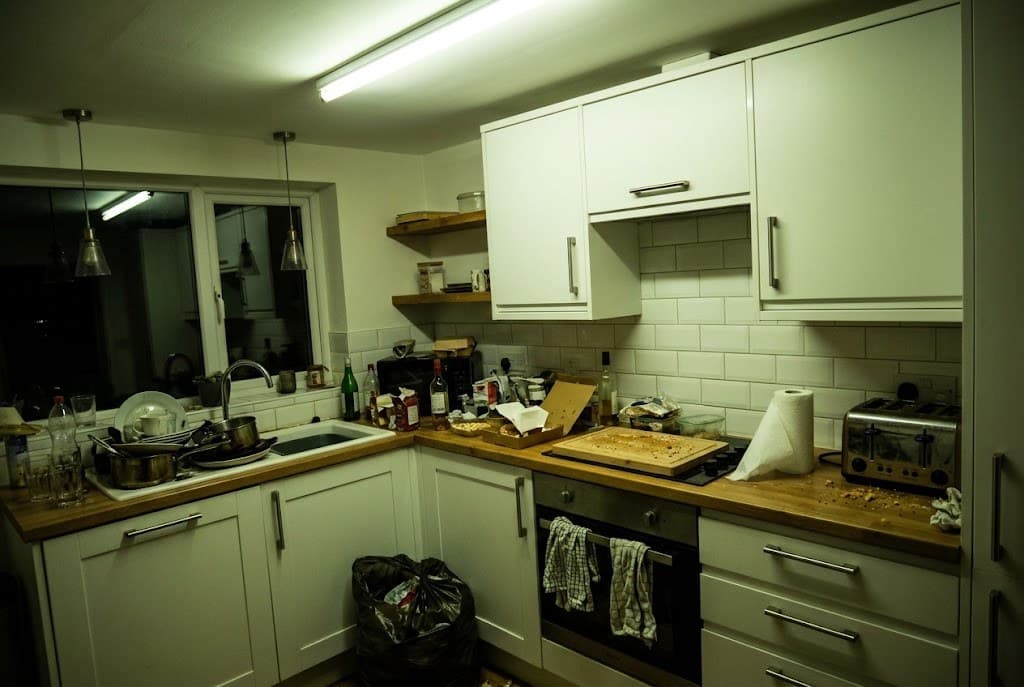
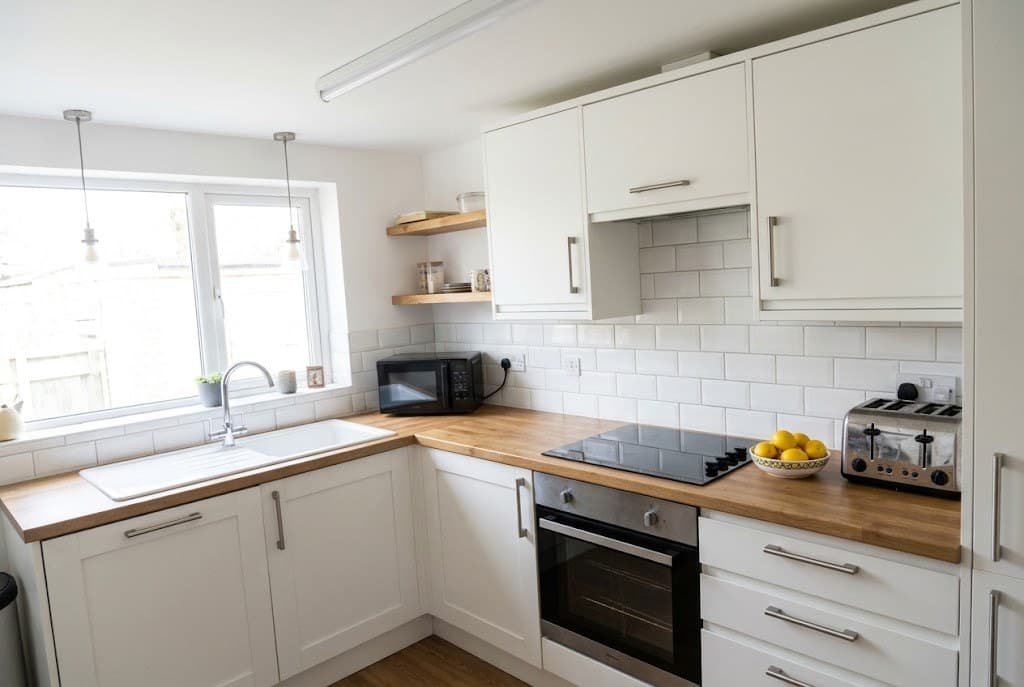
Kitchen
- ✓ Counters cleared
- ✓ True white light
- ✓ Sharp
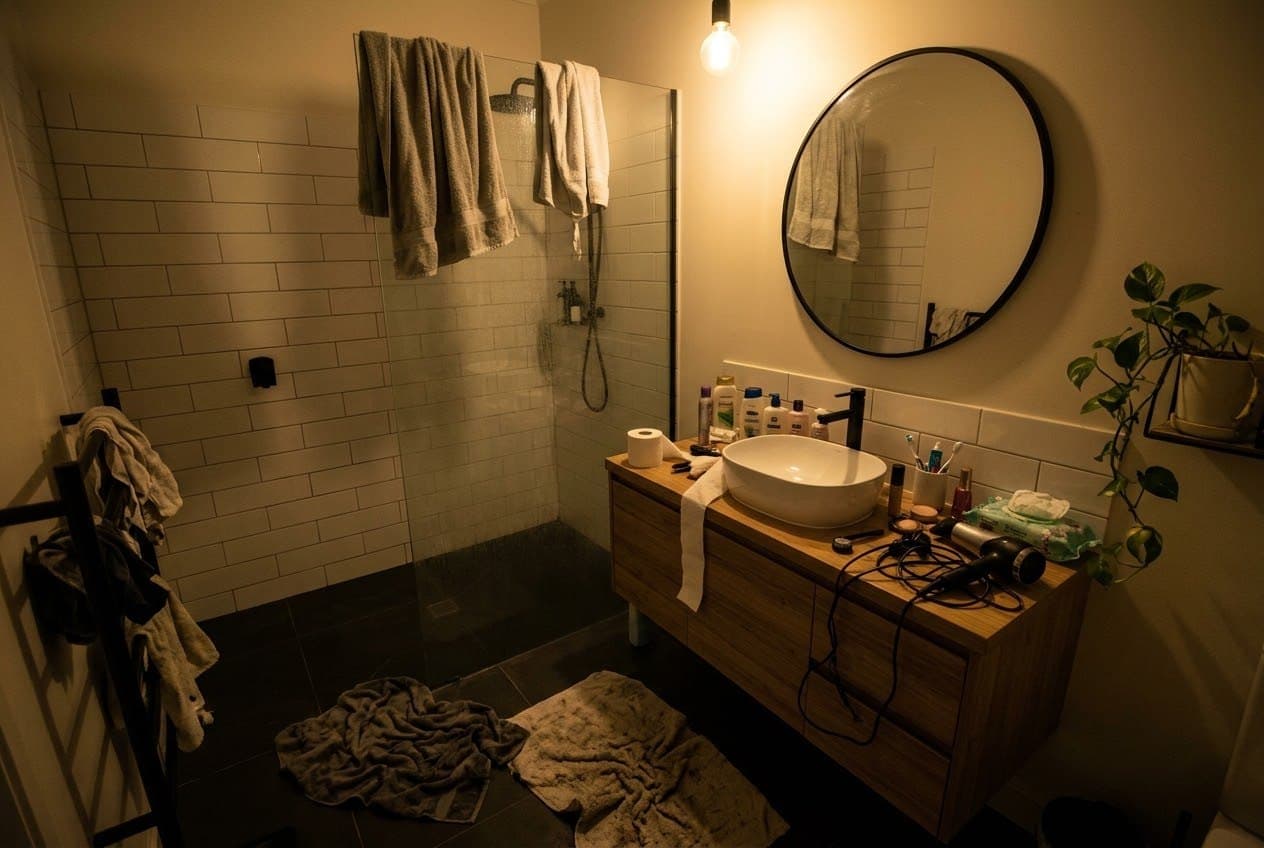
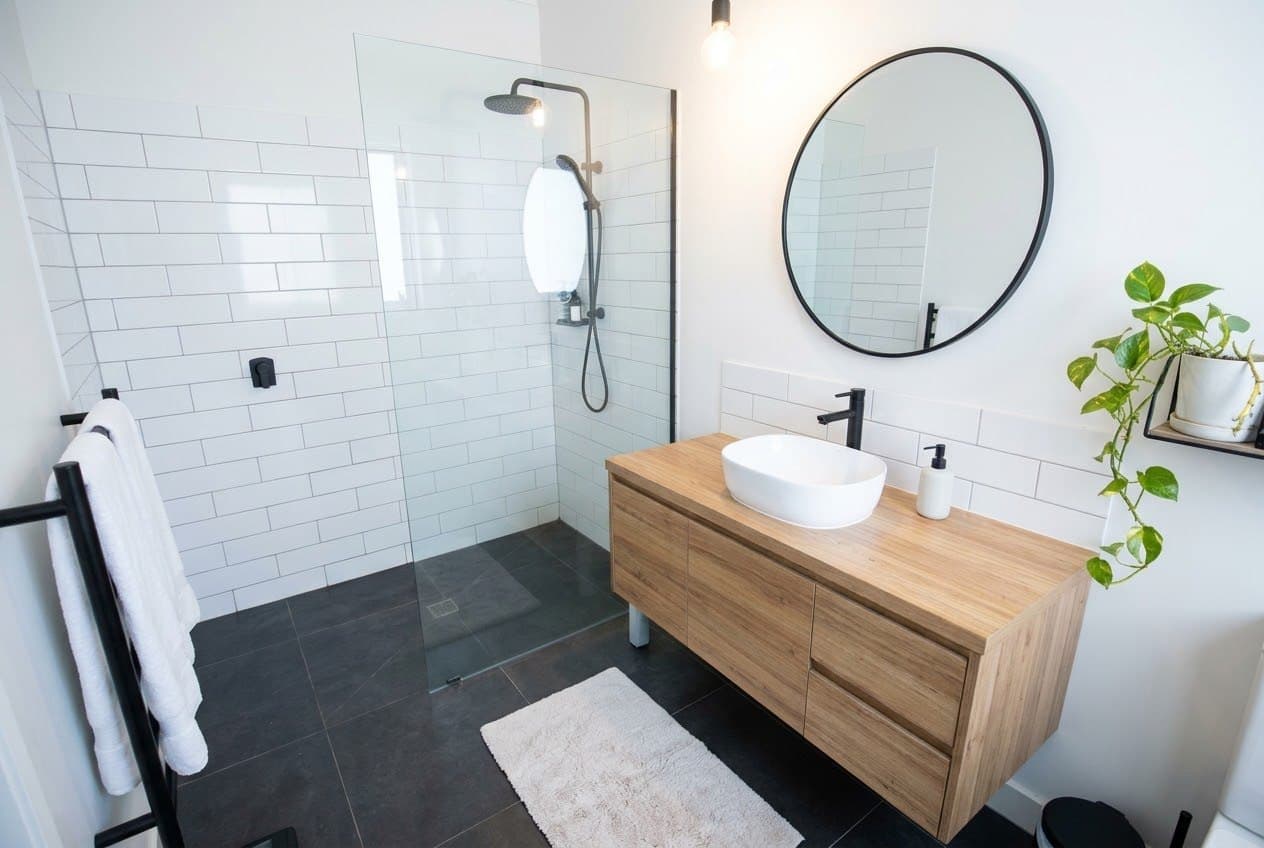
Bathroom
- ✓ Towels folded
- ✓ Bright
- ✓ Straight
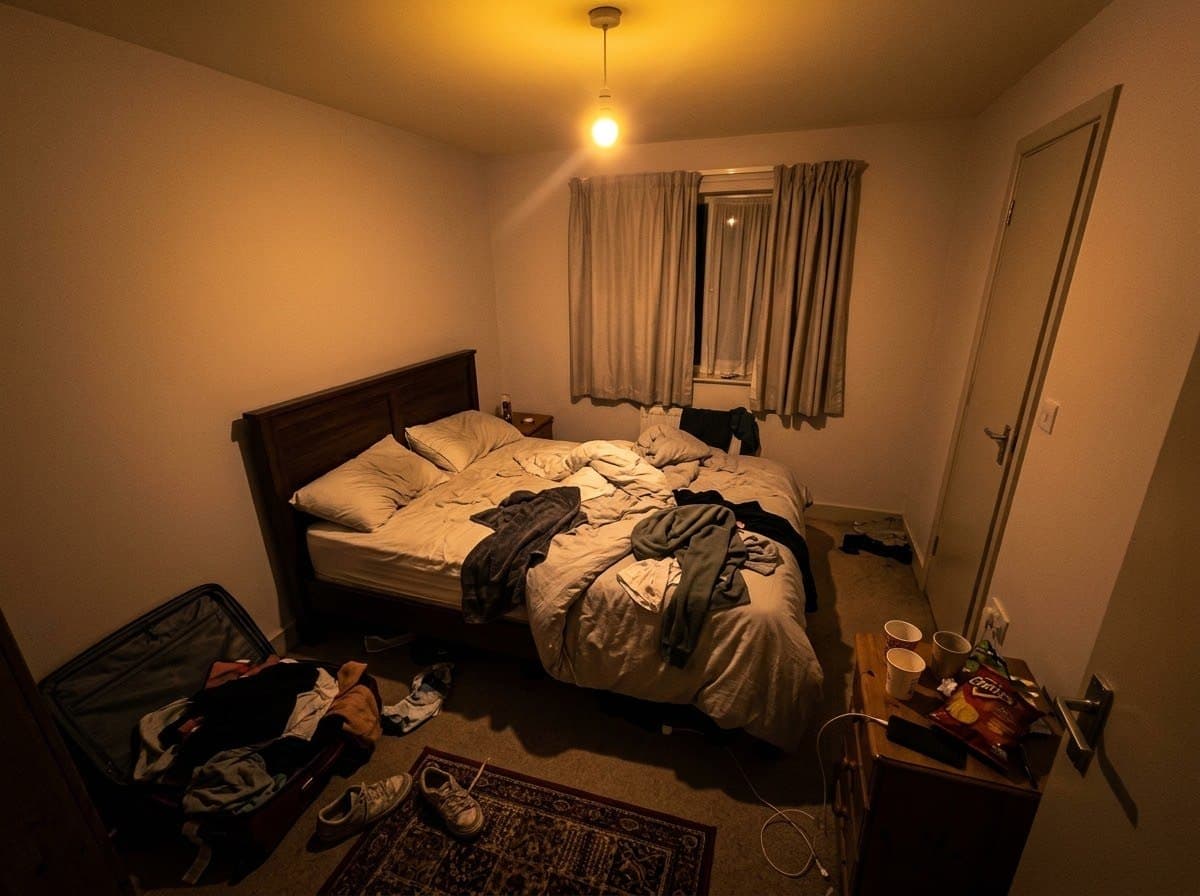
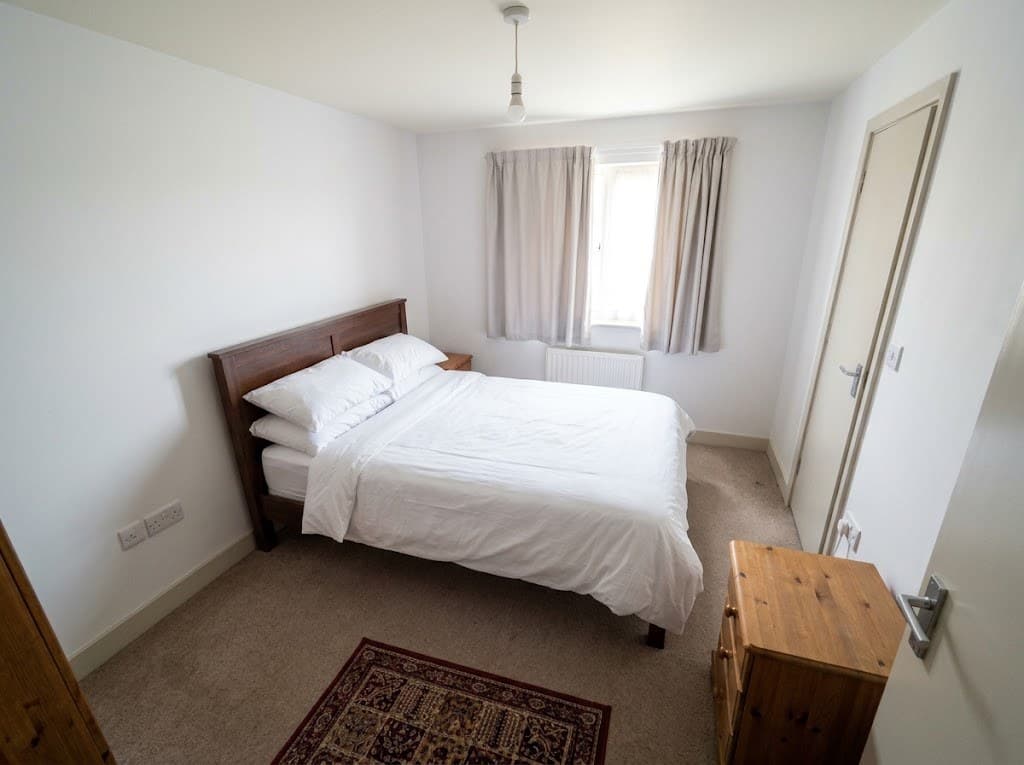
Guest bedroom
- ✓ Bed made
- ✓ No orange bulb
- ✓ Straight
Sample rooms: each before is a typical phone shot, and each after is the enhancer's own result from it.
Free AI Photo Enhancement Features
Everything a professional photographer would fix, done in one go.
BEFOREAFTERAI Image Enhancement
Gloomy, orange or blue light becomes bright, natural daylight with true colours.
BEFOREAFTERRoom Tidy-Up
The bed gets made. Clothes, cups, bags and cables disappear.
BEFOREAFTERAngle Correction
Tilted shots come out level, with walls and doors standing straight.
BEFOREAFTERNoise Reduction & Unblur
Grain and blur from low light are cleaned up, so every edge looks crisp.
BEFOREAFTERPhoto Upscaling
A photo HD enhancer: small, soft phone shots come back sharp and big enough for any listing site.
BEFOREAFTERKeeps Your Room Real
Same cupboards, same window, same layout. Guests see the place they will actually get.
Simple 3-Step Professional Results
An AI listing enhancer online: no app, no editing skills, no photographer.
Upload Your Photo
Pick one or two room photos straight from your phone.
AI Smart Processing
The AI image enhancer fixes light, tidies up and straightens the shot.
Download Enhanced Results
Compare, download in HD and get a copy by email.
 HD
HDWhy Hosts Enhance Listing Photos
Guests decide in a second, from one small photo.
The Best Photo Gets the Click
In search results, the brightest, tidiest cover photo stands out from the dark ones around it.
Pro Look Without a Photographer
Fix your weakest shots between shoots, for free, in minutes.
One Consistent Gallery
Photos from different days and phones get the same bright, even look.
Built for Listing Photos, Not Selfies
Most photo apps only sharpen. Listing photos need more than that.
| Feature | Mr. Props | Typical photo apps | Photographer |
|---|---|---|---|
| Bright, natural light | ~ | ||
| Bed made, clutter removed | ~ | ||
| Straight walls and level angle | |||
| Sharp HD result | |||
| Room stays exactly as it is | ~ | ||
| Ready in about 20 seconds, free | ~ |
Frequently Asked Questions
Quick answers about the photo enhancer. Still unsure? Try it on one photo, it's free.
Upload a PhotoIs the AI Photo Enhancer Free?
Yes. You can enhance up to two photos a day for free, with no account and no card. Enter your email once and we also send you the results.
Sharpen vs Unblur vs Upscale: What's the Difference?
Sharpening makes edges crisper. Unblurring repairs softness from camera shake or a missed focus. Upscaling adds pixels so a small photo can be shown bigger. This tool does all three in one pass.
Can It Remove Unwanted Things From Photos?
Yes, everyday clutter: clothes, bags, cups, cables, toiletries and rubbish. It also makes the bed. It never removes or adds furniture, fixtures or anything that is really part of your place.
How Do I Upscale an Image to 4K Without Losing Quality?
Start from the original photo, not a screenshot or a photo saved from a messaging app, which are compressed. The enhancer returns a sharp HD version that is larger than listing sites display.
Can I Use It on My Phone?
Yes. Open this page on your iPhone or Android phone, tap Choose Photos and pick shots from your camera roll. Nothing to install.
Will My Photos Still Show My Real Place?
Yes. This Airbnb image enhancer only fixes what a host or cleaner would fix before a shoot: light, bedding, clutter and angle. Airbnb asks for photos that show the space accurately, and these do.
Which Mr. Props Tool Should I Use First?
If your photos are already on a listing, save them all with the Listing Image Downloader, then run your weakest shots through this STR image enhancer.
Make Your Next Photo the Best One
Upload a room photo and see it bright, tidy and straight in about 20 seconds.
Enhance My PhotoFree · 2 photos a day · no sign-upReady to take the guesswork out of property management?
Mr. Props gives you all these calculators plus real-time portfolio tracking, automated reporting, and data-driven insights.
No credit card required