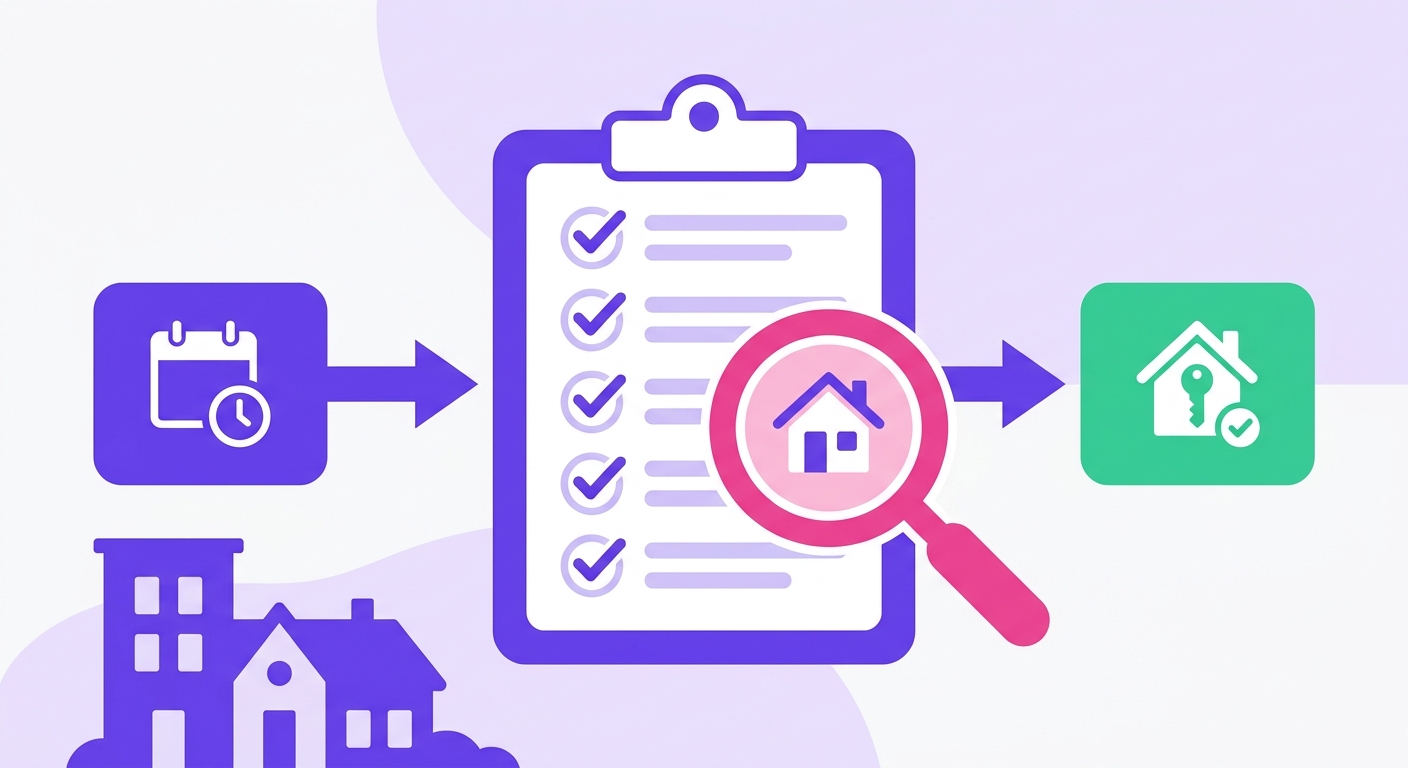
This standardized incident documentation form for rental property managers captures guest name, property address, incident type, timeline, witness info, and resolution steps in one fillable document. Most hosts piece this together after the fact, when Airbnb's damage claim window is already closing. This form gives you a structured record ready to submit before checkout day ends.
Downloaded 2,400+ times by STR operators on Airbnb, Vrbo, and Booking.com.
By Jordan Ellis, Superhost managing 30+ properties for 12 years.
Available in PDF, Word, and Notion.
Why You Actually Need a Property Management Incident Report Template

Most hosts document incidents the same way: a rushed text to a co-host, a voice memo they'll "write up later," or nothing at all until the security deposit dispute arrives. That's the real problem. Not that incidents happen, they always will, but that the documentation is so inconsistent it becomes worthless when you need it most. Using a standardized property management incident report template from the start eliminates that inconsistency entirely.
A missing or vague incident record has three concrete consequences:
- Lost damage claims: Airbnb's AirCover resolution process requires documented evidence submitted within 14 days. Hosts with no timestamped record lose an estimated $300-$800 per disputed claim on average.
- Insurance denials: Short-term rental policies from carriers like Proper Insurance and Slice explicitly require written incident documentation to process liability claims. No report, no payout.
- Legal exposure: In a slip-and-fall scenario, a property owner without a dated incident report showing prior corrective action faces significantly higher liability, personal injury settlements in STR cases routinely exceed $25,000.
A property managed through a co-hosting arrangement once lost a $1,200 hot tub damage claim because the cleaner's text message ("tub looks scratched") didn't include photos, timestamps, or guest identification. The platform sided with the guest. That's a documentation failure, not a platform failure, and exactly the kind of outcome a proper property management incident report template is designed to prevent.
A solid incident documentation form for property managers fixes this before the dispute starts, not after. Whether you manage one unit or twenty, keeping a consistent property management incident report template on hand means your team captures the right details every time, regardless of who responds first.
When to Use This Template
This isn't just for big operators; every single STR host needs this template. A solid property management incident report template provides a crucial, consistent structure so you don't miss a single detail, whether you're managing one condo or twenty. Use it to document the broken leg on that antique armchair and its $350 repair cost. Log the 2:14 AM phone call and your response before the platform even asks. A timestamped report for a security deposit dispute is infinitely more credible than a messy text thread. Bottom line: keep your property management incident report template handy and use it the second something goes wrong.
Breaking Down Each Section of the Template
Skip one during a stressful situation and you'll feel it three weeks later when an insurer asks for documentation you don't have. Here's what each section captures, how to fill it correctly, and where operators consistently go wrong.
Section 1: Incident Identification
This block anchors the entire report. It contains your incident ID number, the date and time the incident occurred, the date and time it was reported, and the full property address including unit number if applicable.
Don't just name your files randomly. Use a consistent ID format like `YYYY-MM-DD-[PROPERTY CODE]-[SEQUENCE]`. It's a lifesaver. For example, a second incident at your Maple Street property on May 4th, 2026 becomes `2026-05-04-MAPLE-002`. This simple format ensures every report sorts chronologically in Google Sheets or Excel and ties directly to your booking records. No more hunting for the right file.
- Record the time the incident occurred not when you learned about it, insurers treat that gap as relevant
- Use 24-hour time to avoid AM/PM ambiguity in legal documents
- Include the full street address even if you only have one property, forms get separated from their context
Common mistake: Hosts leave the incident ID blank and rely on the date alone. When you have two incidents on the same day across multiple properties, that system breaks immediately.
Legal consideration: Some state landlord-tenant statutes require incident records to be retained for at least 3 years. HUD fair housing guidance also treats incident documentation as evidence in discrimination complaints, so accurate timestamps aren't optional.
Section 3: Property and Unit Details
This section trips up multi-property operators most. "The beach house" isn't a usable identifier six months into a dispute.
- Record the full property address, unit number, and the platform where the booking originated
- Include the platform-specific confirmation code, Airbnb's starts with HM, Vrbo's is numeric, Booking.com uses a PIN format
- Note the check-in and check-out dates for the active reservation, not just the incident date
Common mistake: Hosts record a property nickname instead of the legal address. "Sunset Studio" means nothing to an insurance adjuster pulling records 18 months later.
Legal consideration: The booking confirmation code is the primary reference platform trust-and-safety teams use to pull records. Missing it forces a manual search that can delay your case by days.
Section 4: Guest Information

Record the primary guest's full name exactly as it appears on their booking profile. Add their contact number and, where visible, a direct link to their platform profile.
Also note the total number of guests present at the time of the incident. If your listing allows 4 guests and 9 were on-site during a balcony collapse, that unauthorized occupancy changes your coverage position significantly.
Common mistake: Hosts skip the "guests present" field when the incident involves property damage rather than injury. Insurers check occupancy against booking terms regardless of incident type.
Legal consideration: Under FTC privacy guidelines guest data in incident records should be stored securely and shared only with parties who have a direct need, your insurer, legal counsel, or the platform's safety team.
Section 5: Incident Description
Write in plain, factual language. Describe what you observed, not what you concluded. "Guest reported water pooling near the base of the water heater, approximately 2 liters visible, no structural damage observed" is defensible. "Flooding caused by guest negligence" is a legal conclusion you're not qualified to make in the report itself.
- Describe the location with specificity, second-floor bathroom, northeast corner of the kitchen
- Note what was present at the time of discovery, including any guests on-site
- Keep this field factual; save interpretation for your follow-up notes
Section 6: Witness and Party Information
List every person who was present, reported the incident, or has direct knowledge of what happened, guests, cleaners, neighbors, emergency responders. For each person, capture their full name, phone number, email, and relationship to the incident.
Never, ever rely on the platform reservation for guest contact details. We've seen platforms completely redact a guest's phone number from the reservation the moment a damage claim for a shattered glass cooktop gets escalated. Poof. You absolutely must record their direct contact information yourself at check-in or during your first communication, long before you'd ever need to file a formal claim.
Common mistake: Listing only the guest. If a cleaner found the damage and the guest disputes it, that cleaner is a key witness. Their details need to be in the report from day one.
Legal consideration: If a minor was involved, do not record their personal information in a broadly shared document. Note "minor guest present" and keep identifying details in a separate, restricted file.
Section 7: Photos and Evidence Log
For every photo or video, record the filename, timestamp, what it shows, and who captured it. Use a consistent naming convention before uploading. A file named IMG_4891.jpg means nothing to an adjuster. A file named 2026-05-04_unit3b_waterdamage_bathroomfloor_01.jpg is self-documenting.
Timestamp integrity matters. Phone cameras default to local device time, which may not match platform timestamps. If there's any discrepancy, note it explicitly rather than leaving an adjuster to draw their own conclusion.
The NFPA documentation standards for property incidents recommend photographing a recognizable reference point in the first frame of any damage sequence. That single practice makes your photo set far harder to dispute.
Section 8: Immediate Actions Taken
You must document every single action taken within the first 24 hours in precise chronological order. Turned off the water supply at 11:42 PM. Called the emergency plumber (ABC Plumbing, spoke to Mike) two minutes later. Notified the guest via platform message at 11:49 PM. Each step needs its own line and a timestamp, seriously, don't get lazy and consolidate them into a paragraph summary because an insurance adjuster just won't accept it.
Here's the single most common mistake hosts make. They document what happened instead of what they did. This field is exclusively for your response, the actions you took, not for a novel-length description of the guest's unauthorized party that left glitter in every corner of the house. Keep those two things in separate fields. What happened vs. what you did.
Legal consideration: In several U.S. states, property managers have a statutory duty to mitigate damage once an incident is known. A timestamped action log is your defense against claims that you were negligent in your response.
Section 9: Estimated Cost and Financial Impact

Enter your best estimate within 48 hours, even without contractor quotes. Three rows matter most:
- Estimated repair or replacement cost, with source noted
- Lost revenue from forced rebooking or blocked nights
- Security deposit amount applied, if any
Common mistake: Leaving this section blank until final numbers are in. Airbnb's reimbursement window under AirCover for Hosts requires timely filing. An early estimate updated with final figures is far more defensible than a late submission with exact numbers.
Don't include labor you performed yourself unless you can document your hourly rate in writing. Platforms and insurers reject self-service labor costs without prior rate documentation.
Section 10: Resolution and Follow-up
Log the date the issue was resolved, who resolved it, and the final cost versus your original estimate. That gap is useful data, if your estimates are consistently 40% under final invoices, you're undercharging deposits. That pattern only becomes visible if you track it field by field.
Don't mark an incident "closed" until the property is back to pre-incident condition and you've received any reimbursement filed for. Hosts who close reports prematurely lose the ability to reopen platform cases in most dispute workflows.
Section 11: Signature and Acknowledgment
Best Practices for Implementation
- Complete the report within 24 hours of the incident. Memory degrades fast, and insurance carriers routinely reject claims where documentation was created days after the fact.
- Store one printed copy in the property's physical binder and one digital copy in a shared drive folder labeled by property address and year.
- Send the completed report to your insurer, co-host, and any relevant contractor before closing the incident file, not after repairs are done.
- Photograph every damage item before cleanup begins. Attach those photos directly to the corresponding report field, not in a separate folder.
- Review all filed reports quarterly. Patterns across incidents, such as repeated damage to the same fixture, signal a maintenance fix, not a guest problem.
- Audit your template annually against your current insurance policy requirements. Coverage terms change, and a report missing a required field can void a claim.
Common Mistakes to Avoid
Don't
- Wait until checkout to document an incident, delayed reports lose credibility with insurers and platforms.
- Write vague descriptions like "broken item" without specifying location or replacement cost.
- Skip the guest signature field, unsigned reports carry less weight in disputes.
- Store reports only in email threads, where they're hard to retrieve under deadline.
- Omit timestamps, Airbnb's Resolution Center requires damage reported within 14 days of checkout.
Do
- Document within two hours of discovery, while evidence is still intact.
- Attach dated photos directly to the report file, not as separate folders.
- Record replacement costs with a vendor quote or retail link, not a memory estimate.
- Store completed reports in a dedicated folder per property, named by incident date.
- Note the booking platform, resolution processes differ between Airbnb, Vrbo, and Booking.com.
A Documented Incident is a Defensible Incident
Property managers who document incidents consistently resolve disputes faster and recover more costs. A Insurance Information Institute analysis found that claims supported by written incident records settle at higher rates than those relying on verbal accounts alone. The difference isn't luck, it's documentation.
A solid standardized incident documentation form for property managers does one thing above all else: it forces you to capture the right details at the right moment, before memory fades and guests check out. Waiting 48 hours to document a broken fixture or a noise complaint cuts your recovery odds significantly.
Download the template, fill in your property details, and use it on the first incident that comes up. You'll see immediately why a blank form beats a blank memory every time.
HUD fair housing guidance FTC privacy guidelines