
What is Request to Book?
Request to Book A request to book is a guest-initiated inquiry that requires your explicit…
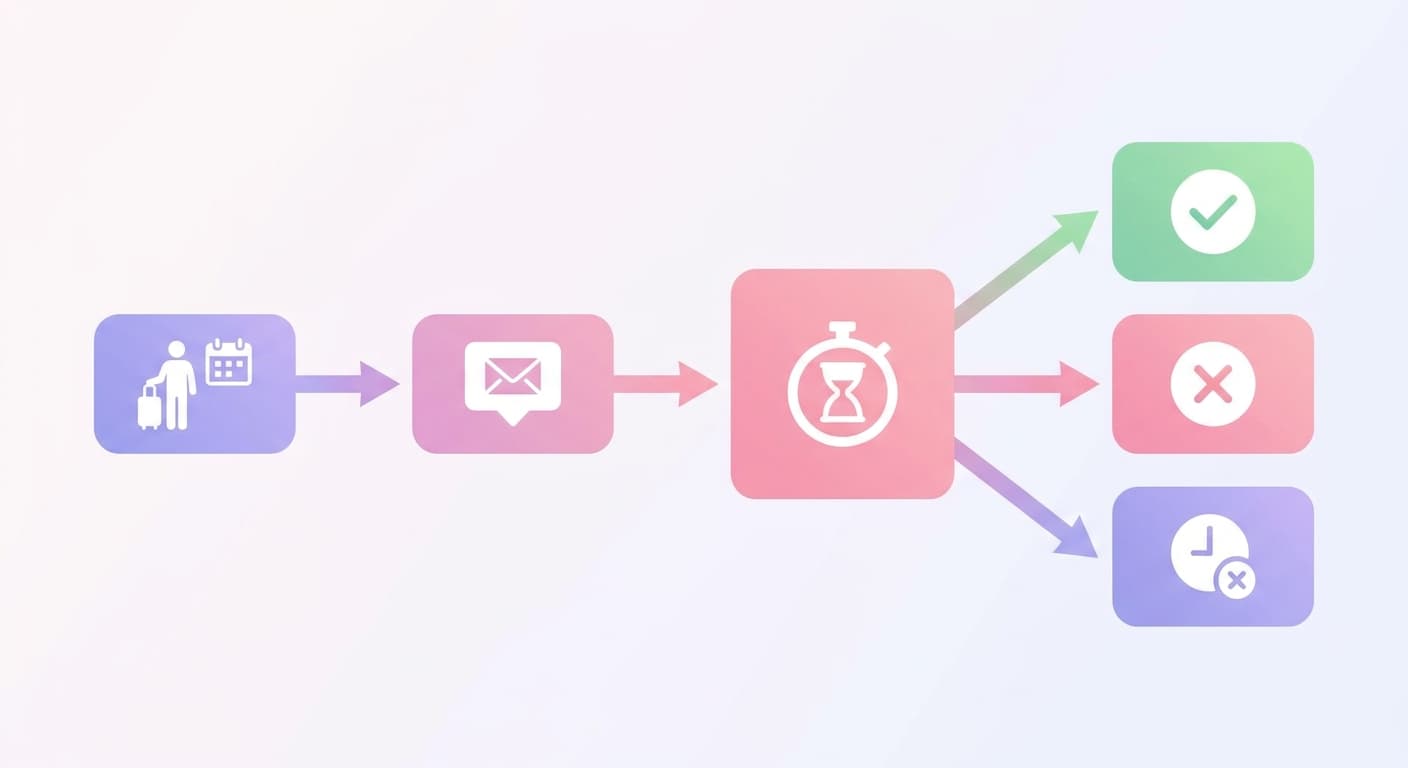
A request to book is a guest-initiated inquiry that requires your explicit approval before the booking confirms it doesn't lock your calendar or charge the guest until you accept.
Airbnb gives you just 24 hours to accept or decline a request. Miss that window, and the request automatically expires, which counts as a decline and dings your precious response rate.
Vrbo is a bit more chill, offering a 24-48 hour window depending on your specific account settings. It's a simple deadline, so don't miss it.
Accepting every request doesn't protect you from problem guests the way hosts assume. Airbnb's guest vetting happens before the request reaches you regardless of booking mode.
Why Top-Earning Hosts Rely on Request to Book
Your booking acceptance rate directly affects where Airbnb ranks your listing.
Drop below 90% acceptance and your search placement takes a measurable hit, which compounds fast on a $150/night property running at 75% occupancy (roughly $41,000 in annual gross revenue).
The financial exposure cuts both ways. Accept every inquiry without screening and you risk problem guests, property damage, and chargebacks that exceed your $45 cleaning fee by orders of magnitude. Decline too many and the algorithm penalizes your visibility.
Request to Book sits at the center of that tension.
It gives you a 24-hour window to review a guest before confirming, without triggering a decline that counts against your acceptance rate.
How a Request to Book Works in Practice
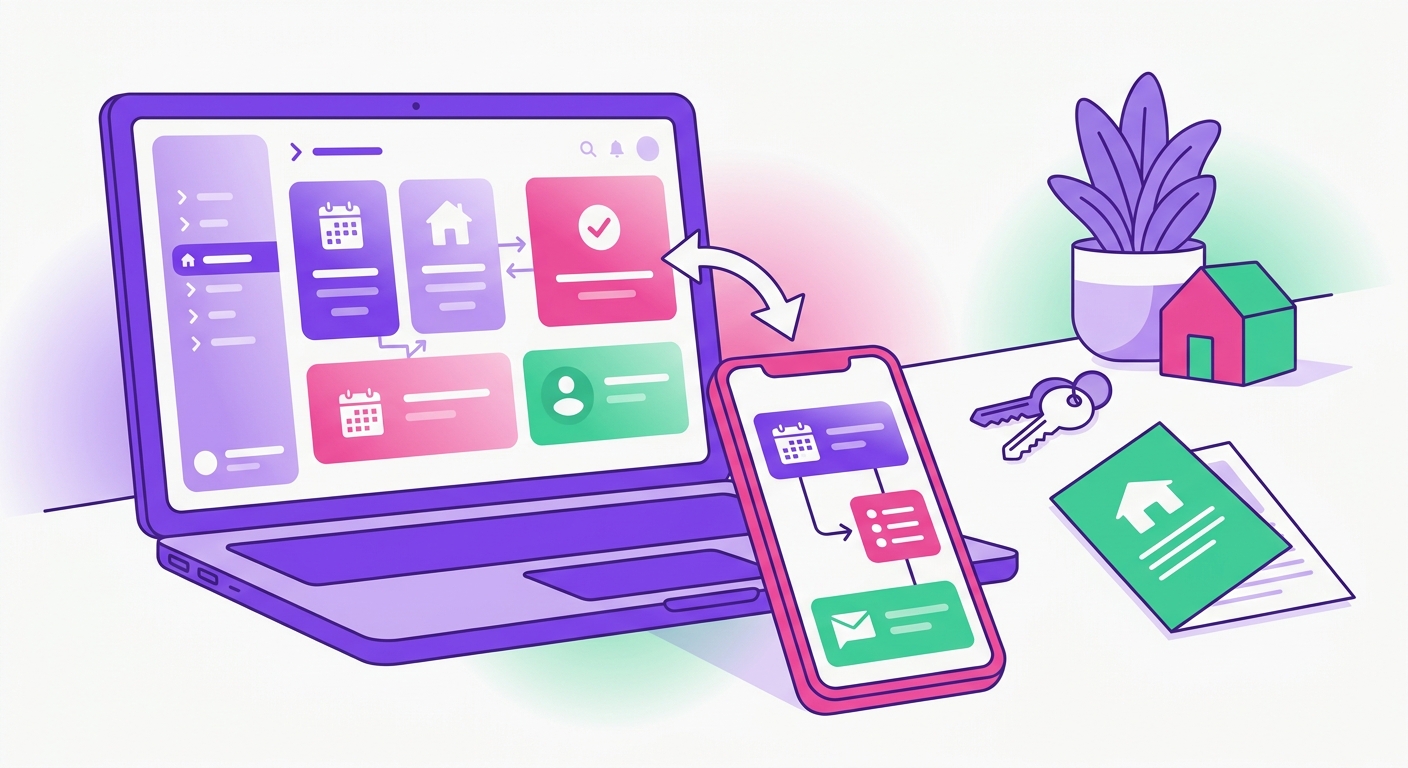
The moment a guest submits a booking request on your Airbnb listing, a 24-hour countdown timer starts ticking in your dashboard.
You have to accept or decline. If you miss that window, it's not just an expired request; Airbnb treats it as an automatic decline, which directly damages your response rate. The pressure is on.
Here's the actual sequence for a $150/night listing with a 2-night minimum:
Guest selects dates and submits the request, their card is pre-authorized but not charged.
You review their profile, message history, and any pre-trip message they sent.
You accept or decline within 24 hours.
On acceptance, payment processes: $300 base + $45 cleaning fee, minus Airbnb's host service fee (typically 3%).
When to Use This Request
Your listing's risk profile changes throughout the year, and your booking settings should reflect that.
A flat "always on" or "always off" approach to request-to-book leaves money on the table and exposes your property during high-risk windows.
Switch request-to-book on during these periods:
Holiday weekends and peak weeks (Memorial Day, July 4th, New Year's Eve) when last-minute party bookings spike and your $250/night rate attracts guests you'd otherwise screen out
Local events concerts, sports playoffs, festivals, where 1-night or 2-night requests from unknown guests carry higher damage risk
Your shoulder season when you drop rates below $120/night since lower prices attract a wider, less predictable guest pool
What Really Happens to Your Stats
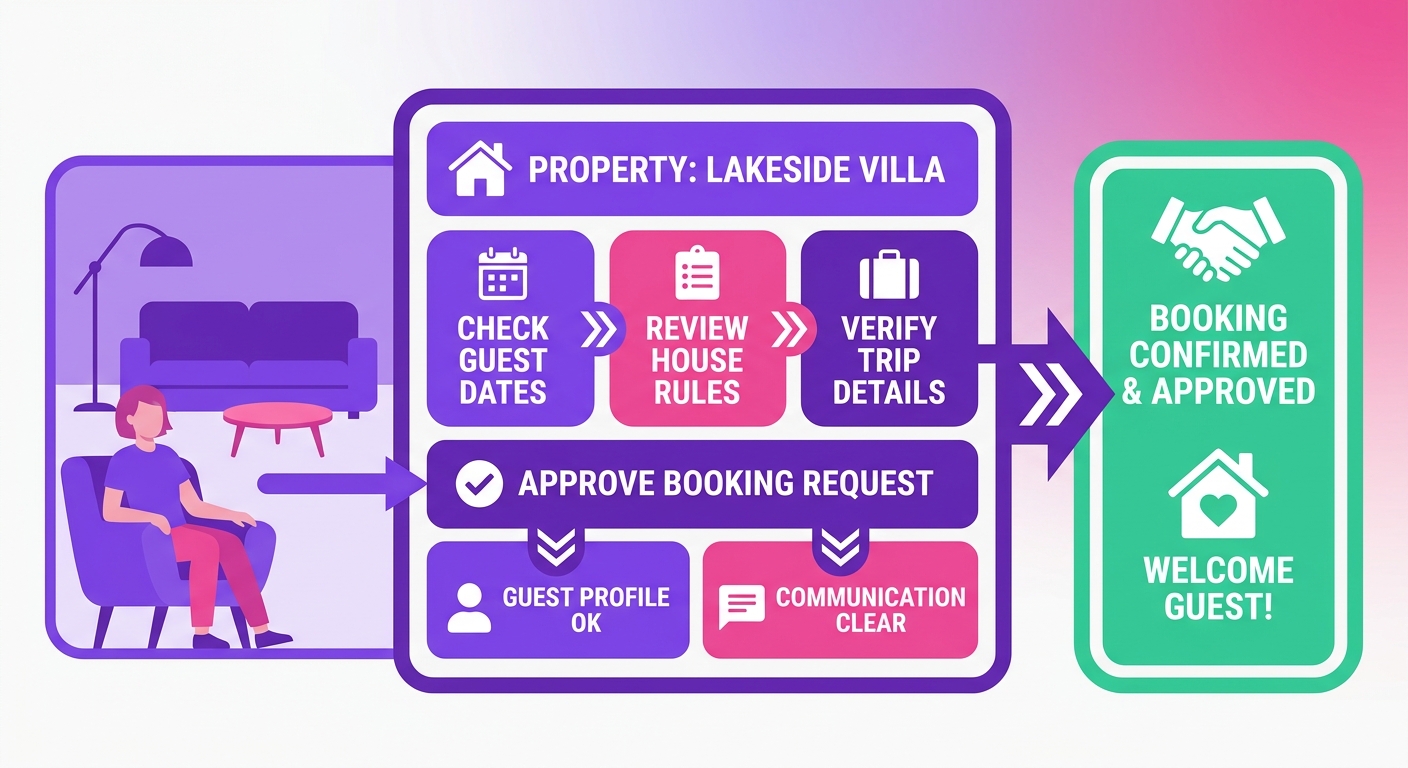
Switching from Instant Book to request-based booking almost always tanks your acceptance rate, and Airbnb's algorithm is watching.
A host who accepts only 85% of their requests won't just rank a little lower than one who accepts over 95%, they can get pushed down to page 3 of the search results for their area. Fewer eyes on your listing means lower occupancy.
The occupancy hit is real but often overstated.
Hosts running $200+/night listings with strict minimum stays report 8-12% lower occupancy under request mode, but higher average daily rates because they're filtering out short, low-value stays.
The net RevPaR difference is frequently close to zero.
The real killer with request mode is response time. While you're pondering a request, that potential guest isn't just patiently waiting by their phone; they're actively messaging three other hosts with Instant Book enabled.
Find Your Request to Book Workflow in Minutes
Mr. Props gives STR operators the tools to set booking rules, screen guests, and respond to every booking request before the 24-hour window closes. Stop losing $150/night reservations to slow response times.
Start Free Trial See How It Works
No credit card required. Set up in under 10 minutes.